
Lost the Spirit Level Again? Your Phone Was Already a Backup
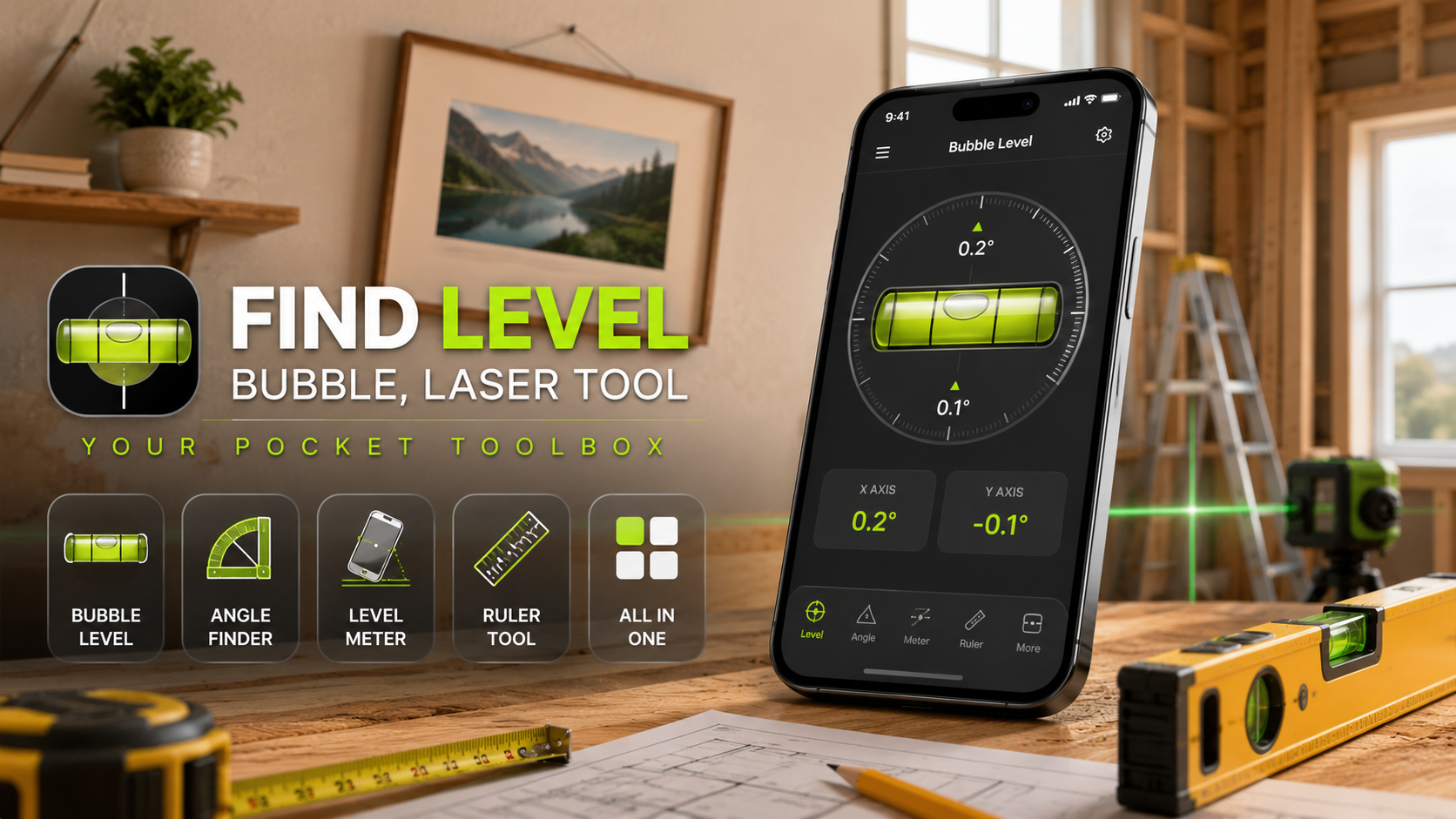
Find Level turns your phone into a bubble level, an angle finder, and a ruler, all in one free tool - useful for hanging shelves, tiling a corner, or any job where eyeballing it just is not going to cut it.
Get this app
About this app
That picture frame has been hanging crooked for two weeks now, because the real bubble level is somewhere in the garage - buried behind the paint cans, in a box nobody has opened since the move. Your phone, meanwhile, is sitting right in your pocket, and as it turns out, that pocket already holds everything you need to find out whether a shelf is actually straight.
What this app is really doing
Find Level: Bubble, Laser Tool borrows the sensors already sitting inside your phone - the accelerometer and gyroscope responsible for keeping your screen oriented correctly - and turns them into a compact set of measuring tools. It does not aim to be a full construction suite; it is a bubble level, an angle finder, a level meter, and a ruler bundled into a single app, so you skip installing four separate tools for one weekend project. For that kind of DIY afternoon, having everything in one place ends up mattering more than any individual feature does.
How those sensors pull it off
A classic spirit level relies on a curved glass tube filled with liquid and a trapped air bubble - center the bubble between the two lines and you know the surface is level. Your phone gets to the same answer electronically instead. Its accelerometer picks up gravity's pull along each axis, and the app converts that into an on-screen bubble or a digital angle readout. Set the phone flat against a shelf bracket and it will tell you, in real time and down to a fraction of a degree, whether one end is sitting higher than the other.
What you can actually do with it
- Bubble and spirit level: hold the phone against a shelf, frame, or countertop and see instantly whether it is flat or tilted.
- Angle finder: useful for cutting angles, tiling corners, or setting up furniture where the geometry actually matters.
- Level meter: catches slopes and tilts on bigger surfaces - floors, outdoor decking, that sort of thing.
- Ruler tool: measures length and distance in whichever unit you actually think in, without digging up a tape measure.
- One interface for all of it: no jumping between a separate angle app and a separate level app.
Getting a reliable reading
- Calibrate on a known-flat surface first: a countertop or tabletop works fine - this resets the sensor baseline so small manufacturing offsets do not skew every later reading.
- Hold the phone flush against the surface: a gap or an angled grip introduces error before the sensor even gets a chance.
- Keep the phone still for a second: the reading settles once motion stops, so a quick snap-and-glance is less accurate than a brief steady hold.
- Avoid magnetic interference: metal studs, speaker magnets, and some phone cases can throw off the underlying sensors on certain models.
- Re-check after moving to a new spot: sensors can drift slightly over a long session, so a mid-project recalibration is cheap insurance.
Where it fits - and where it does not
For hanging a picture frame, mounting a floating shelf, checking a table leg, or getting a rough read on a sloped driveway, a phone-based level is more than accurate enough, and it is always on you. Where it falls short is anything load-bearing or safety-critical - cabinetry that has to hold real weight, structural framing, or work where a fraction of a degree compounds over a long run. Phone sensors are good, not perfect, and a dedicated spirit level still earns its place in a serious toolbox for that kind of job.
The app is free with ads and in-app purchases, rated for everyone (3+), and sits around a 4.1 rating from a modest 588 reviews - a proven-enough niche tool rather than a runaway hit, which is about right for something this narrowly useful. It is not trying to replace a contractor's equipment; it is trying to save you a trip to the garage.
The bottom line
Most small home jobs do not need precision instruments - they need a quick, honest answer to "is this straight?" before the drill comes out. Keeping that check on the device already in your pocket removes the excuse to eyeball it and hope. For the small stuff - a shelf, a picture frame, a quick angle check before you cut - a phone-based level is genuinely good enough, and having one already in your pocket beats a special trip to find the real one.
A Few Situations Where It Genuinely Outperforms a Physical Level
- Angles that are not simply level or plumb: a physical spirit level tells you flat versus not flat, but a digital angle reading gives you the exact number, useful for cutting a specific miter or matching an existing slope.
- Awkward or tight spaces where a full-size physical level will not fit: a phone slides into gaps a foot-long tool cannot reach.
- Anything where you want a numeric record, not just a pass or fail: photographing the screen with the angle reading visible gives you a reference to check against later.
One Habit That Prevents Most Bad Readings
The single most common source of a wrong reading isn't the sensor, it's forgetting to recalibrate after switching surfaces or after the phone has been jostled in a pocket for an hour. Making a quick recalibration on a known-flat surface part of the routine every time you start a new task, rather than trusting whatever calibration happened at install, catches the small drift that would otherwise throw off an otherwise careful measurement.