
Your Calendar Is Scattered Across Three Apps - Here's a Fix
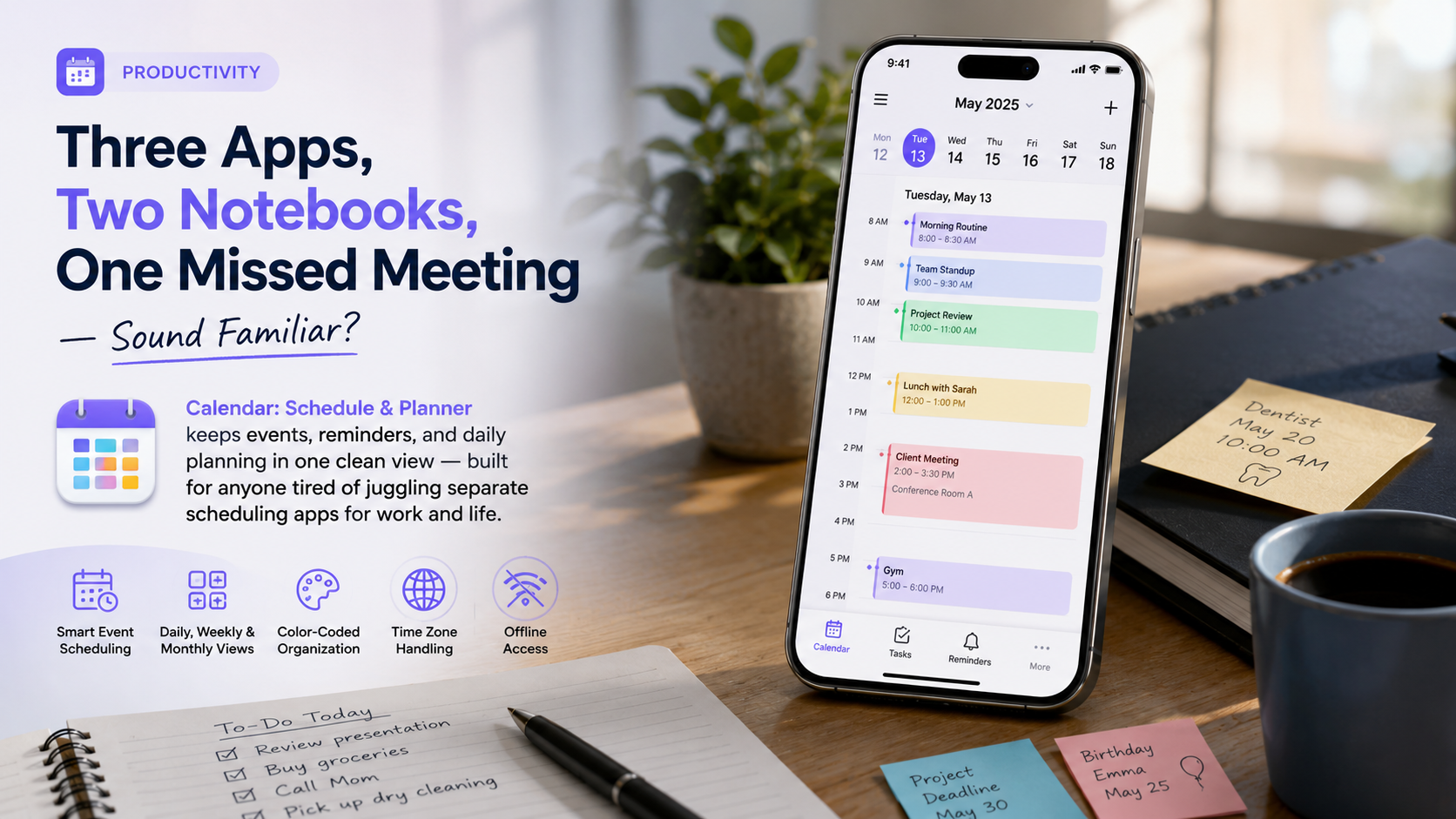
Calendar: Schedule & Planner pulls your events, reminders, and day-to-day planning into a single clean layout - a straightforward pick if you're sick of stitching together separate apps for your job and the rest of your life.
About this app
That dentist reminder slipped through again - not because nobody wrote it down, but because it got written into the one app that hasn't been opened since March. Split your day across a work calendar, a personal reminders app, and a paper planner that only makes it into your bag some days, and eventually something you actually needed to remember falls through the cracks.
The problem it's actually aimed at
Calendar: Schedule & Planner is a no-frills day-planner-and-scheduler that tries to hold your job, your family's events, birthdays, and the day's to-dos inside one interface, so you're not running three systems that never actually talk to each other. It works off daily, weekly, and monthly views, plus scheduling suggestions meant to stop you double-booking yourself. None of that is a new idea - every calendar app claims to consolidate your life - but this one keeps its ambitions modest on purpose: no team spaces, no project boards, just the everyday business of knowing what's coming up and when.
Getting started without losing what you already have
- Link your calendars before adding anything new: pulling in your existing work and personal accounts first keeps you from duplicating events or leaving stragglers behind in an app you're about to abandon.
- Settle on a default view: if you plan hour by hour, daily view fits; if you think in chunks of days, go weekly; monthly view is mostly for spotting deadlines from a distance.
- Build color categories from day one: something like work, family, personal, and health is a fine starting split - add more later and you'll just be recoloring events you already entered.
- Set reminders per event type, not just once: a birthday wants a week's warning, a meeting wants fifteen minutes - one blanket default rarely covers both well.
- Confirm the time zone is on auto: check it's tracking your device automatically before you count on it while traveling.
What you'll actually reach for day to day
- Smart event scheduling: two taps creates an event and a reminder, and the app flags it if something else is already sitting in that slot.
- View switching on the fly: jump between daily, weekly, and monthly layouts depending on whether you need fine detail or a wider look at the week.
- Color-coded categories: color events by type so a glance at the week tells you what kind of day it's shaping up to be before you read a single title.
- Automatic time zone adjustment: travel and your events shift with you, so a meeting set at home doesn't quietly land on the wrong hour somewhere else.
- Works without a connection: your schedule stays visible offline, which sounds minor until you're the one stuck without signal and still need to know what's next.
How it lines up against the other options
| Option | What it does well | Where it comes up short |
|---|---|---|
| Calendar: Schedule & Planner | Puts work, family, and daily tasks in one uncluttered view | Not designed for teams sharing a calendar |
| Your phone's built-in calendar | Already there, syncs with your device accounts | Reminders are thin, and there's no real daily-task view |
| A paper planner | Never dies, never buzzes with a notification you'll miss | Useless the moment you forget to bring it |
| Dedicated team scheduling tools | Built for shared availability and coordinating meetings | More machinery than one person managing their own day needs |
The habits that actually make this stick
No app fixes a messy schedule by itself - consolidating everything into one place is what does the actual work. If you've switched calendar tools before, you already know how this usually goes wrong: the new app gets used for about a week, then out of habit an event lands in the old one again, and just like that you're back to having no single source of truth. The fix isn't clever, it's just consistent - remove the old apps instead of keeping them installed as a fallback, and log every new commitment the moment it exists rather than saving it for later.
A five-minute weekly review is worth building in too - Sunday night or Monday morning, whatever fits - just scanning the week ahead for anything off: two things stacked on top of each other, a reminder you never actually set, a birthday sneaking up unannounced. That small habit prevents more missed appointments than any smart-scheduling feature the app ships with.
Who actually benefits from this
It's free to download, runs on ads and in-app purchases, carries an everyone rating, and currently holds a 3.8 average out of 365 reviews - decent, not flawless, so go in expecting the occasional rough patch rather than a polished experience end to end. It's built for individuals, not teams: students tracking classes and assignment due dates, professionals juggling meetings alongside personal errands, and parents keeping tabs on a household's overlapping commitments are exactly who this fits, rather than anyone needing shared team calendars or project-level scheduling.
If the real issue was never willpower but simply not having one place to check, folding everything into a single scheduling app solves more than most productivity advice ever will. Nothing about this app is flashy, and it doesn't need to be - a calendar's whole job is being the thing you actually open.
What the First Week Actually Looks Like
The first week is where most switches to a new scheduling app either take hold or quietly collapse back into the old scattered routine, so don't leave it to chance. Set aside twenty minutes on day one specifically for recurring events - birthdays, standing meetings, weekly appointments - because those are the ones that do real damage when missed, and also the ones people rush past during a hasty import. One-off events matter less; those will naturally get added as they come up anyway.
Where a Single-Person Calendar App Hits Its Limit
- A household where more than one person needs to add events - a planner built for one person starts to strain the moment two people need real-time access to the same calendar.
- Meeting-room bookings or approval-based scheduling at work - that kind of workflow genuinely needs infrastructure a dedicated workplace tool provides, not a personal planner.
- Anyone already locked into a specific ecosystem across devices, like a work calendar tied to a company email account - a standalone app there often just adds a parallel system instead of cleanly replacing what's there.