
My Storage Is Always Full and I Don't Know Why? A Duplicate File Remover That Actually Explains It
A duplicate file remover that digs through photos, videos, audio, and even your contacts for copies you forgot you had, so you can claw back storage without accidentally trashing something you meant to keep.
Get this app
About this app
The warning always shows up at the worst possible moment: storage almost full. You open the gallery expecting maybe a few stray screenshots and instead find forty nearly identical shots of the same sunset, because you couldn't pick a favorite back when you took them. Now multiply that by every meme a group chat has forwarded you three times over, every voice note you saved twice by accident, and every video that saved once from the camera roll and again from a backup app - and suddenly a phone with plenty of advertised storage feels permanently out of room.
How Duplicates Sneak Up on You
Duplicate files almost never show up as one obvious slip-up. They build up quietly through ordinary habits: saving a photo someone sends you that you'd already saved, letting burst mode spit out a dozen near-identical frames, restoring a backup on top of files that were already sitting there, or forwarding a video through three different chat apps that each cache their own copy. None of it feels wasteful in the moment, which is exactly why it stays invisible until the storage warning pops up.
What This App Is Actually Hunting For
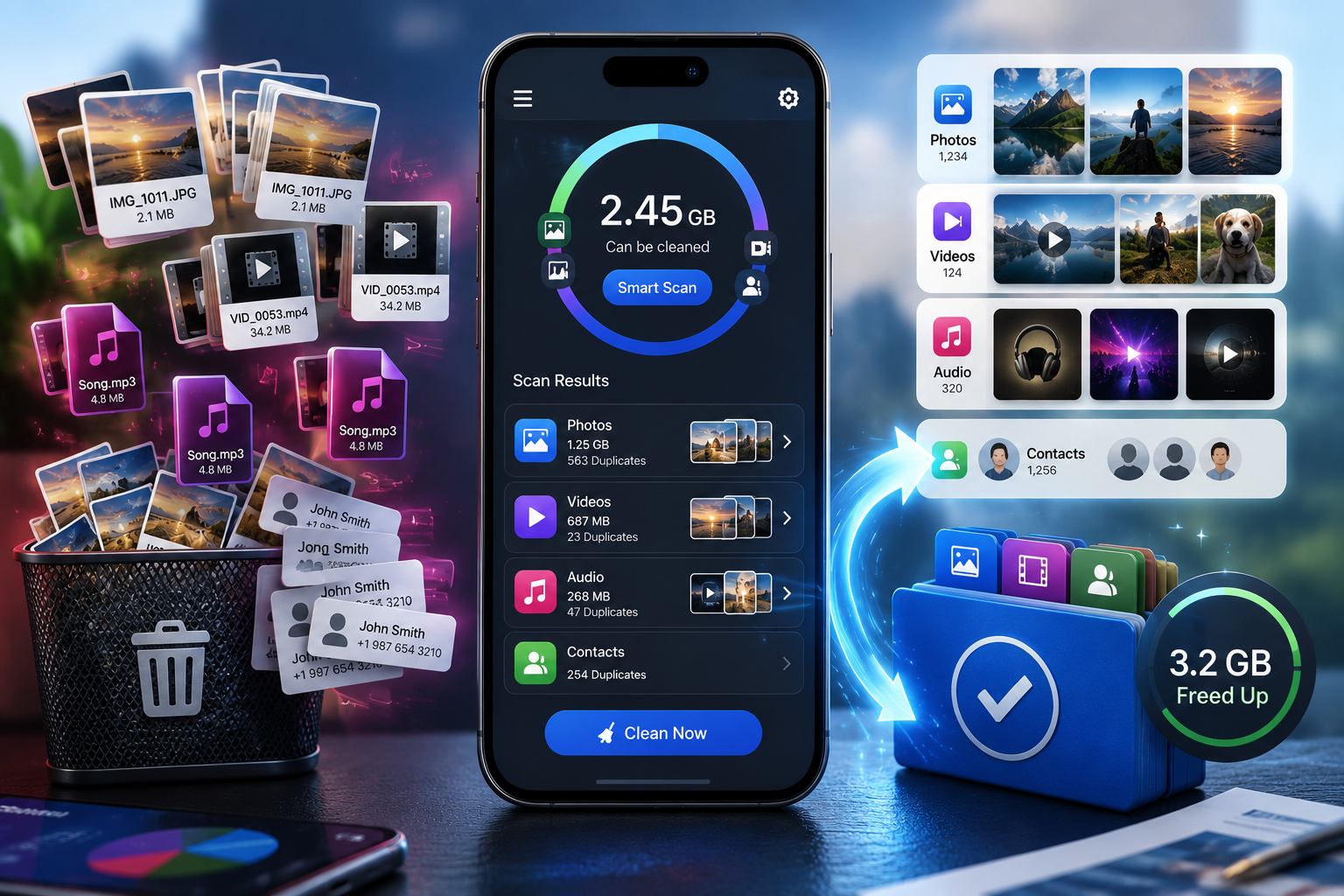
This one does more than match files that are byte-for-byte identical. It also flags similar photos - burst-mode shots that aren't pixel-perfect copies but are obviously the same moment - plus repeated audio, video, and general files. It even scans your contact list for duplicate entries, a genuinely useful extra if you've ever saved the same person twice under two slightly different spellings.
| File Type | What Gets Flagged | Why It Matters |
|---|---|---|
| Photos | Exact copies plus visually similar burst shots | Usually the single biggest source of wasted storage |
| Videos | Duplicate clips saved via multiple apps or backups | Video files are big, so even a handful of duplicates add up fast |
| Audio | Repeated voice notes, music files, and downloads | Easy to miss since audio apps rarely display file size |
| General files | Documents, downloads, and other repeated files | Catches the clutter outside the gallery that most cleaners ignore |
| Contacts | Duplicate entries with matching or similar details | Keeps the address book usable, not just the storage tidy |
What Happens Once You Turn It Loose
- Smart scan modes: pick how aggressively it hunts for duplicates rather than being locked into one rigid scan type.
- Similar-photo detection: catches near-duplicates from burst shots and multiple takes, not just files that match byte-for-byte.
- Cross-media cleanup: audio, video, photos, and general files all get swept, not only the camera roll.
- Daily duplicate notifications: a nudge as soon as new duplicates start piling up, rather than only remembering to clean house once storage is already critical.
- Duplicate contact scanning: tidies the address book right alongside the files, something most storage cleaners skip entirely.
Running Your First Cleanup Without Wrecking Anything
- Run a full scan first: check photos, videos, audio, general files, and contacts before you touch the delete button, so you're seeing the whole picture.
- Sort results by category: review photos and videos separately from general files, since the judgment calls differ for each.
- Open similar-photo groups manually: confirm which shot in a flagged set is actually the keeper instead of letting the app decide for you.
- Start with the obvious wins: exact duplicates with matching file size and thumbnail are the safest to clear first.
- Save contacts for last: merging duplicate entries is easy, but a rushed merge can also drop a phone number, so take your time here.
Before You Hit Delete on Anything
It's free with ads and sells in-app purchases, carries a 3+ rating, and sits at roughly half a million downloads with a solid 4.09-star average - better than plenty of apps in this category pull off. The one habit worth building is actually reviewing what gets flagged before bulk-deleting. Similar-photo detection is genuinely useful, but it's still a judgment call made by an algorithm, and it's easy to blow through a delete confirmation faster than you actually read it. Scan on a regular schedule rather than waiting for the storage-full warning, since a small weekly cleanup is far less risky to review than months of backlog dumped into one giant results list. This won't reorganize your whole digital life, but it will claw back a surprising amount of space from duplicates you didn't even know you were carrying, and that's really all a duplicate file remover needs to do.
Where Most of the Reclaimed Space Actually Comes From
It helps to know which category delivers the biggest payoff before you bother with the smaller ones. Video duplicates almost always free up more space per file than anything else on the list, since one duplicated video can outweigh dozens of duplicate photos put together. If storage is critically low and you only have time for a single pass, scanning video first, then photos, then everything else in roughly descending order of typical file size gets you most of the benefit for the least manual review.
Building a Cleanup Habit That Actually Sticks
- Run a quick scan monthly instead of waiting for a storage warning, since a small backlog is far easier to review carefully than a large one.
- Keep the daily-duplicate-notification setting on rather than muting it like any other alert - it's one of the few phone notifications that actually heads off a future full-storage crisis.
- After any big photo import, like moving pictures over from an old phone, scan that batch specifically before it blends into your whole library and gets harder to review with confidence.