
What Messenger Is Actually Capable of in 2026, Way Beyond the Family Group Chat
A look at what Messenger, Meta's chat app tied to Facebook, actually offers in 2026 - from Meta AI and disappearing messages to large file sharing and calling without needing a phone number.
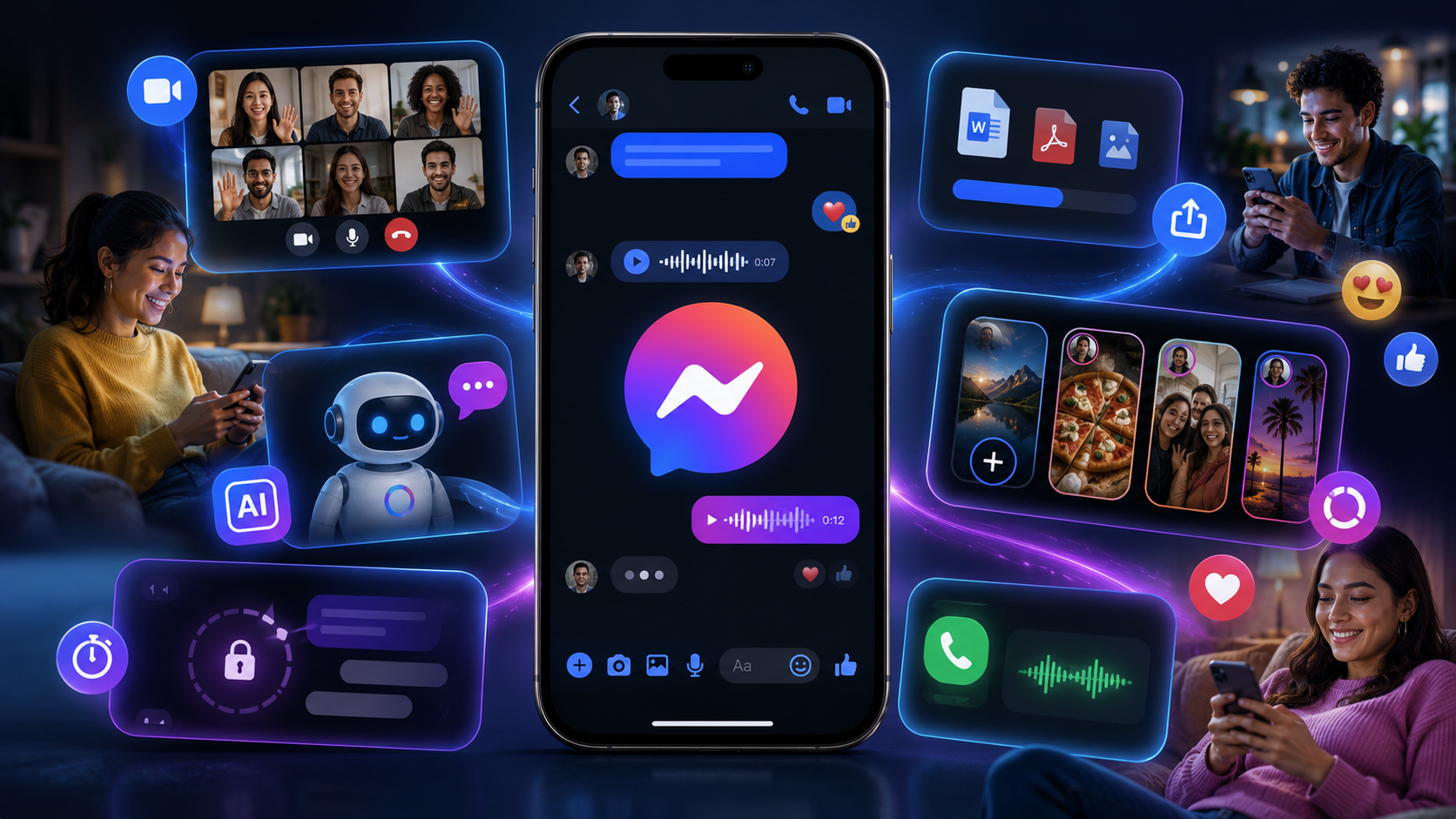
Key Takeaways
- Messenger runs on your Facebook identity, not a phone number - useful for reaching people whose number you never had.
- Meta AI lives inside any conversation, callable with an @mention, for quick questions, image generation, or summarizing a long thread.
- Encryption is opt-in per conversation, not automatic - a chat has to be explicitly started as encrypted to get that protection.
- Edited and unsent messages only work within a 15-minute window, after which a sent message is permanent.
About this app
Nearly everyone has Messenger installed, and almost nobody has poked around its settings menu in the last two years. It's the app for the family group chat and that one work-adjacent conversation that never quite migrated to email, which means most people are using maybe fifteen percent of what it's actually capable of.
That's less a knock on the app and more a natural side effect of how it grew up. Messenger started life as a bolt-on chat feature for Facebook and has spent well over a decade absorbing features from every direction - calling, payments, an AI assistant, disappearing messages - without ever forcing existing users through a "here's what's new" tour. The result is a genuinely capable app hiding behind a familiar, slightly dated-looking interface.
Still a Messaging App, Just a Much Bigger One Now
At its core, Messenger is still exactly what it always was: chat and calling tied to a Facebook identity, so people can reach each other without ever needing to know a phone number. What's changed is everything built around that core - an AI assistant living inside conversations, disappearing messages, editable texts, and a whole layer of community and creator features pushing it closer to a social app than a plain messenger.
Features Genuinely Worth Knowing About
- Chat and call without a phone number: find people through Facebook and reach them directly, useful if you've lost someone's number but not the friendship.
- Meta AI built right into conversations: ask questions, get help with something like homework, or generate images without ever leaving the chat window.
- Edit and unsend messages: fix a typo or pull back a message sent too fast, within a 15-minute window.
- Disappearing, encrypted chats: some conversations run end-to-end encrypted with a timer, so they don't just sit in your history forever.
- Large file sharing: send a Word document, PDF, or spreadsheet up to 100MB right inside a chat, no separate file-transfer app needed.
- Stories, Notes, and creator channels: post 24-hour updates, drop a quick status note, or follow a favorite creator through their broadcast channel, all without leaving the app.
Getting More Out of It Than a Basic Group Chat
A handful of habits make a real difference once you look past the default chat screen. Pinning your most-used conversations keeps them out of a feed that otherwise gets buried under Marketplace notifications and Story updates within a day. Turning on read receipts selectively rather than globally sidesteps the awkward "I saw it three hours ago" problem without giving up the feature entirely. And trying the @Meta AI mention inside any group chat at least once is worth it - it can settle a factual argument, suggest a restaurant, or summarize a long thread without anyone leaving the conversation to open a browser.
Messenger vs. WhatsApp: When Each One Actually Makes Sense
Both apps come from Meta and share plenty of underlying infrastructure, but they solve slightly different problems. WhatsApp treats a phone number as the primary identity, which makes it the default for contacts saved the normal way and in regions where it's the dominant chat app. Messenger runs on a Facebook identity instead, which makes it better for reaching someone you know through Facebook but never swapped numbers with, and for anyone who deliberately keeps their personal number private. Neither one really replaces the other - they just cover different starting points for how you know the person.
A Few Things Worth Being Careful About
- Not every chat is end-to-end encrypted by default - only conversations explicitly started as encrypted get that protection, so don't assume every chat has it.
- The 15-minute edit and unsend window is generous but not unlimited; past that point a mistaken message is permanent, same as any other chat app.
- Meta AI in group chats can see whatever you send it within that conversation, worth remembering before asking it something you wouldn't want summarized back to the group.
The Practical Details
Messenger carries a 12+ rating, so it's not aimed at young kids, and while Meta lists it as ad-free within the app itself, it does include in-app purchases like stickers and some creator-related features. The numbers here are hard to argue with: more than 5 billion downloads and a 4.44-star average across upwards of 113 million reviews, putting it in a different league from almost anything else in terms of scale and track record.
It's easy to take for granted precisely because everyone already has it installed, but between Meta AI, encrypted disappearing chats, and large file sharing, Messenger in 2026 is doing considerably more than its just-texting reputation suggests.
A Few Settings Worth Checking Right Now
- Active status visibility: control who can see when you're online, since the default setting shows this to more people than most users realize.
- Message request filtering: check the separate requests folder for messages from people outside your friend list - genuinely important messages sometimes sit there unread for months.
- Story sharing audience: confirm who your 24-hour Stories are actually visible to, since this setting can quietly drift after an app update.
- Read receipts: decide deliberately whether these stay on globally, off globally, or get set per-conversation, rather than leaving whatever the default happened to be.
Why the App Feels More Cluttered Than It Used To
If Messenger feels busier than it did a few years back, that's a fairly accurate impression, not a misconception. What began as a straightforward chat app has steadily absorbed features that originally lived in separate corners of Facebook's ecosystem - creator channels, Marketplace notifications, Stories - into the same interface used for basic texting. None of that is something you can fully hide, but pinning conversations and adjusting notification settings by feature type goes a long way toward making the app feel like the simple messenger it started out as, rather than the broader social layer it's become.
Frequently Asked Questions
Do I need a Facebook account to use Messenger?
You need either a Facebook account or a Messenger-only account tied to a phone number, since your identity in the app rests on one of those two. A purely phone-number-only login with no Facebook tie is more limited.
Is Messenger free to use?
Yes - messaging, calling, and the core features are free. The app does include optional in-app purchases, mainly stickers and creator-related extras, but nothing required for normal chatting.
How is Messenger different from WhatsApp if they're both Meta apps?
WhatsApp identifies you by phone number, while Messenger identifies you through Facebook. They share underlying technology but serve different use cases - WhatsApp for contacts saved by number, Messenger for people you know through Facebook.