
Sometimes a Plain Notepad App Beats Every 'Smarter' Alternative
Keep My Notes is a lightweight notepad app built for quick thoughts, checklists, and reminders - a look at what it covers, and where its no-login, offline-first approach actually pays off.
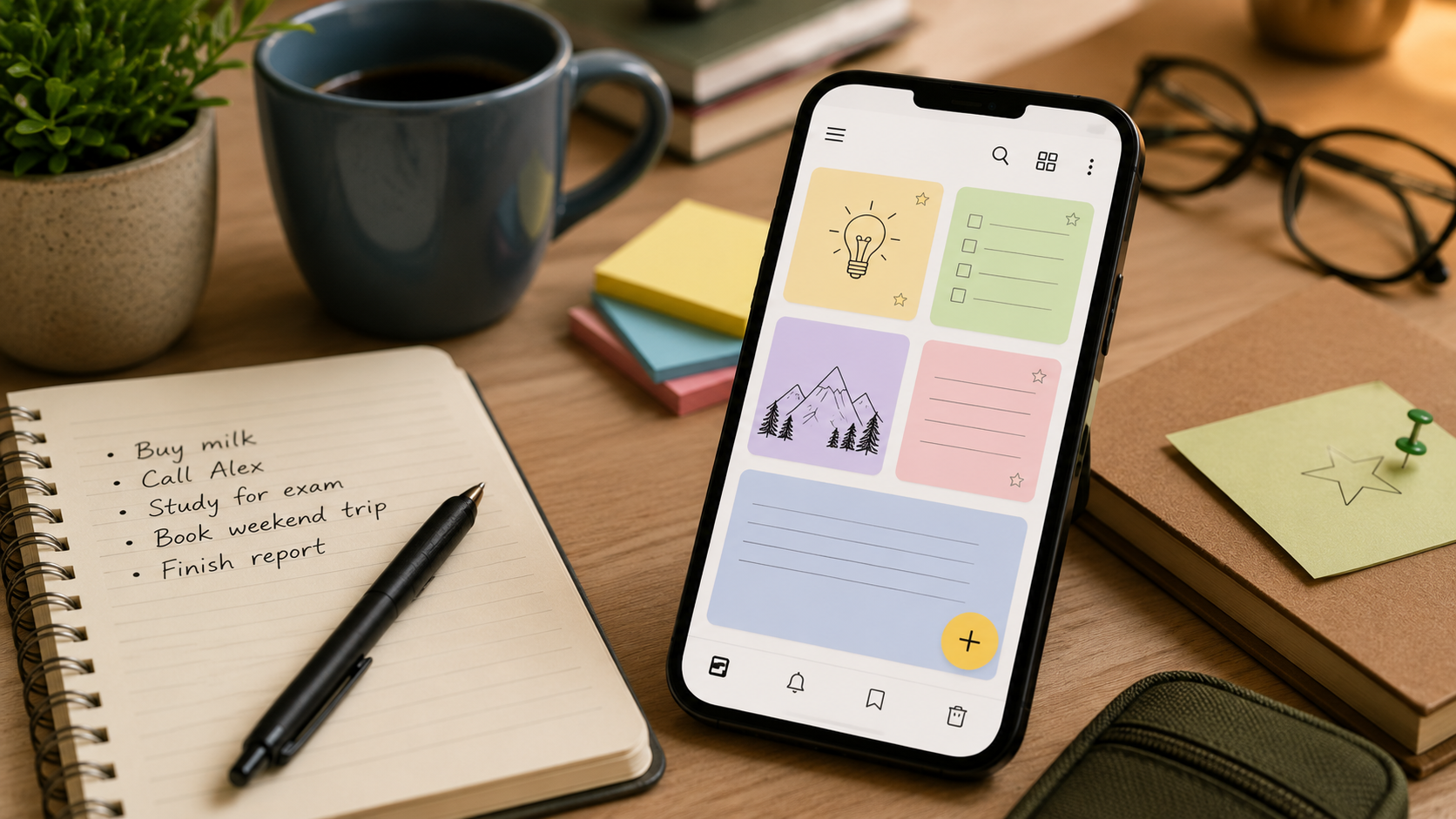
About this app
There are moments when you don't need a second brain, a database, or a productivity system with seventeen settings to configure first. You just need to jot down that you're out of milk before it slips your mind, or scribble the title of a book someone mentioned over lunch. Keep My Notes exists for exactly that kind of moment, and figuring out what it does - and just as importantly, what it deliberately skips - is the quickest way to tell whether it belongs on your phone.
A notepad, not a productivity suite
This isn't a project-management tool dressed up as a note-taking app - it's closer to the notepad that used to live in a kitchen drawer, just digital now. Open it, start typing, and the note is already saved. No folders to set up beforehand, no tags to configure, no account to create. For students scribbling lecture points or anyone journaling on the fly, that lack of ceremony is basically the whole pitch. The interface gets out of the way fast: a list of notes on the home screen, a blank page the moment you tap to write, and not much else fighting for your attention.
The small details that make it usable day to day
Even a minimal app needs a handful of details right, and this is where Keep My Notes earns its keep. None of what follows is flashy - these are just the small conveniences that decide whether a notepad app actually sticks around on your phone or gets deleted within a week.
- Auto-save on every keystroke – there's no save button to forget, so a dead battery or an accidental back-swipe never costs you a note.
- No limit on notes – create as many as you want, with nothing forcing you to delete old ones to make room.
- Checklists – suited to grocery runs, packing lists, or breaking a task into steps you can actually tick off.
- Bookmarks – pin the notes you reference all the time so they don't get buried under a week of scattered thoughts.
- A recycle bin – delete a note by accident and it's recoverable instead of gone for good.
- PDF export – turn any note into a shareable, printable document in a couple of taps.
- Reminders – attach one to a note so a deadline or appointment doesn't quietly slip by.
Up and running in under a minute
There's no real onboarding flow, and that's a feature in itself. Install, open, and you're already looking at the note list.
- 1. Install and open it – no sign-up screen, no email verification, no tutorial to click through first.
- 2. Tap the plus button – a blank note opens right away, cursor ready to go.
- 3. Type or build a checklist – switch between plain text and checklist format depending on what you need.
- 4. Add a reminder if it matters – attach one to any note so it resurfaces at the right moment instead of getting buried.
- 5. Bookmark whatever you'll revisit – keeps your most-used notes near the top instead of making you scroll for them.
Stacked against a heavier note-taking app
Whether this beats a bigger app really comes down to what you actually do with your notes. A side-by-side spells out the tradeoff faster than a paragraph of hedging ever could.
| Keep My Notes | Full-featured note apps | |
|---|---|---|
| Setup | None - open and type | Account, sync setup, sometimes a workspace to configure |
| Organization | Bookmarks and a simple list | Nested folders, tags, notebooks |
| Sync across devices | No - local and offline-first | Usually yes, via account sync |
| Extras | Checklists, reminders, PDF export | Rich formatting, collaboration, web clipping, linked notes |
| Learning curve | Basically none | Some, depending on the app |
| Best for | Quick capture, single-device use | Long-term knowledge bases, team notes |
Who actually gets the most out of it
It's free with ads and in-app purchases, which is worth flagging since a note app that interrupts your train of thought with an ad is a bit different from one that doesn't. It runs entirely offline and skips logins altogether, so there's no account to get locked out of and no sync dependency to worry about if you'd rather not hand a cloud service your to-do list. Reviews average 3.8 stars from roughly 550 people - solid without being spectacular, which fits an app whose whole pitch is doing one thing simply rather than doing everything.
That same offline, no-login design is also its biggest limitation. There's no built-in way to pull a note up on a second device unless you handle that yourself through export or backup, so anyone who bounces between a phone and a tablet, or writes on desktop and reads on mobile, will notice the gap. It's a reasonable tradeoff given what the app is optimizing for, but better to know it going in than to discover it the day you need a note that isn't sitting on the device in front of you.
When simple beats complicated
There's a real cost to opening a heavyweight note app just to write down a phone number or a grocery item - the load time, the folder-picking, the pull toward organizing instead of just writing. A stripped-down tool removes all of that friction, and for a lot of the notes people actually take, that's worth more than any amount of tagging or linking.
If your note-taking is more capture-it-before-I-forget than organize-my-entire-life, a bare-bones notepad like this one will probably serve you better than a heavier app you'd only end up using a sliver of.