
Router Died Right Before a Deadline? Here's How a Phone Hotspot App Bails You Out
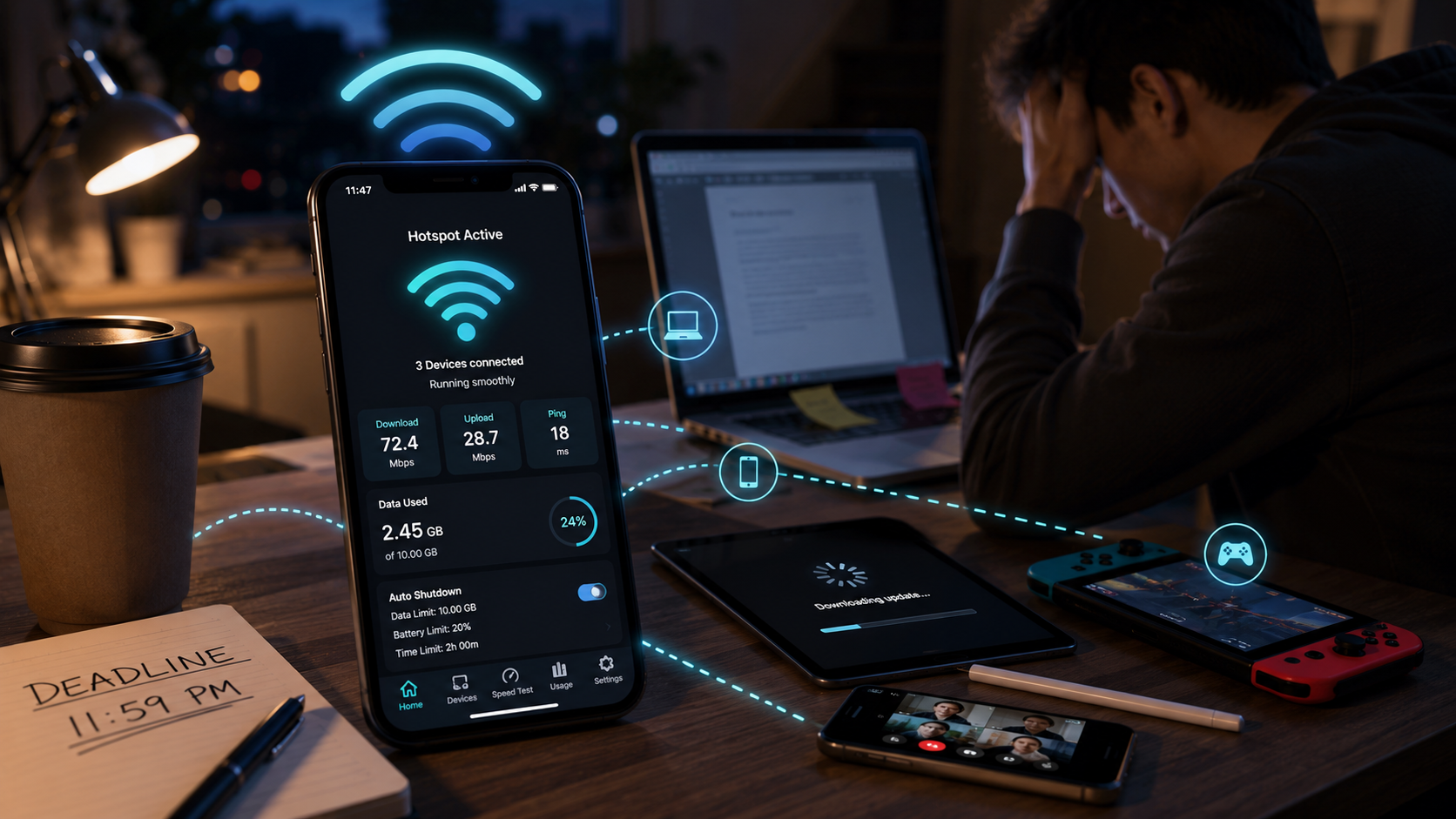
Portable WiFi: Mobile Hotspot turns your phone into a customizable, closely monitored mobile hotspot, complete with live speed tests, data usage tracking, and automatic shutdown limits.
Key Takeaways
- Setting a data cap and battery threshold upfront heads off the two most common hotspot disasters: a surprise overage charge and a phone that dies mid-day.
- The connected-devices view is the quickest way to diagnose a sluggish hotspot - check who's actually using it before blaming your carrier.
- A phone hotspot doesn't substitute for a router once more than a device or two are connected; expect a genuine speed hit under heavier load.
- Renaming the network and setting a real password matters most in public places, where default device names make an easy target.
Get this app
About this app
The home router always reboots itself at the worst possible moment, or you're stuck at a coffee shop where the WiFi drops every ten minutes, and the fix is always the same: turn your own phone into the connection everyone else leans on. What nobody stops to consider until it's too late is exactly what that's doing to your data plan and battery the whole time.
What a Dedicated Hotspot App Adds Over the Plain Settings Toggle
Every phone already buries a hotspot toggle somewhere in settings, so the real value here isn't switching it on - it's everything built around that switch. Portable WiFi: Mobile Hotspot puts the on/off control, network settings, and a live view of your connection's activity in one screen, instead of hopping between three separate settings menus every time you need to check who's connected or how much data has gone out.
What You Actually Get Control Over
- One-tap hotspot control - flip sharing on or off with a persistent status indicator, so there's no guesswork about whether it's still running.
- Real-time device monitoring - every connected device shows up with its IP and MAC address, plus whether it's actively pulling data or just sitting idle.
- A built-in speed test - check ping, download, and upload speed on demand, with a history log tagged for things like streaming, calls, or gaming.
- Data usage analytics - daily and 30-day usage charts that break down which connected device or app is chewing through the most data.
- Automatic shutdown limits - have the hotspot turn itself off on a timer, a battery threshold, or a data cap, with a warning before it actually cuts out.
Setting It Up So It Doesn't Drain Your Plan or Your Battery
The stock hotspot toggle on most phones has no memory and no limits attached - it just stays on until you remember to shut it off, shares at full speed with anyone who connects, and gives no warning before your data cap or battery bottoms out. A few minutes of setup fixes most of that. Set a data cap a bit under your actual plan limit rather than right at it, so the warning leaves you time to react before an overage charge hits. Set a battery threshold too, especially if you're hotspotting from a phone you'll also need for calls later that day - a hotspot running at 15% battery is a bad trade if you still need that phone to make it through the evening.
- Check the connected-devices list before pinning a slow connection on your carrier - sometimes it's just a forgotten device still attached and quietly syncing in the background.
- Run the built-in speed test before a video call rather than during one, so you actually know whether the bottleneck is the hotspot or the call platform itself.
- Rename the hotspot network and set a real password instead of leaving factory defaults, particularly in public places where "iPhone" or "Galaxy S24" as a network name is a sitting target.
- Sharing with more than a device or two at once? Expect a genuine speed drop - a phone's hotspot radio just isn't built to carry the same load as an actual router.
What to Know Before Installing
Download numbers here are still quite small, so what you're getting is an early, less battle-tested app rather than something backed by years of user feedback, and it carries the ads and in-app purchases typical of a free utility. Some of the deeper hotspot controls depend on your specific phone and Android version - when the app can't reach a setting directly, it hands you off to system settings instead of quietly failing, which is exactly how that limitation should be handled. Even so, if your phone's hotspot already gets more use than you'd like to admit, the auto-shutdown limits alone justify the install - nobody wants to discover at 9pm that a laptop update just burned through the month's entire data plan on an unwatched hotspot.
Making the Data Usage Chart Actually Work for You
The daily and 30-day charts are more useful than they look at first glance, because most people's hotspot data trouble isn't spread evenly - it usually traces back to one or two specific culprits. A single background OS update on a connected laptop, a video call that ran longer than planned, or a phone quietly auto-syncing large photo backups over the hotspot can each eat a disproportionate chunk of a month's usage. Looking at the per-device breakdown instead of just the total turns guessing why a data cap got blown into actually knowing, and it's usually the quickest route to finding one setting worth disabling on whatever device stays connected most often.
When a Phone Hotspot Just Isn't the Right Tool
- Working from the same spot for more than a day or two - a proper travel router or a short-term internet plan will typically be more reliable and gentler on your phone's battery.
- Several people needing a stable connection simultaneously, like a small remote team in one location - a hotspot's shared bandwidth degrades fast under that kind of load.
- Anything latency-sensitive stretched over a long session, like extended video calls - a hotspot can technically manage it, but battery drain and heat buildup on the phone turn into real problems after several hours.
Frequently Asked Questions
Does a hotspot app burn more data than the built-in toggle?
No - the app itself doesn't add to your data usage beyond what your connected devices actually consume. What it adds is visibility into that usage, which is often what makes people notice and fix a data-hungry habit they didn't realize they had.
Why does my hotspot slow down as more devices connect?
A phone's hotspot radio and processor get shared across every connected device, so more simultaneous users means the available bandwidth and processing power get divided thinner. It's a hardware limitation, not something any app can fully engineer around.
Is using a phone hotspot in public actually safe?
It's generally safer than public WiFi since you're the one controlling the network, but only if you set a real password instead of sticking with factory defaults - an open or weakly protected hotspot in a crowded place is an easy target.