
So Can You Really Get Back a Deleted WhatsApp Message? Here's the Honest Answer
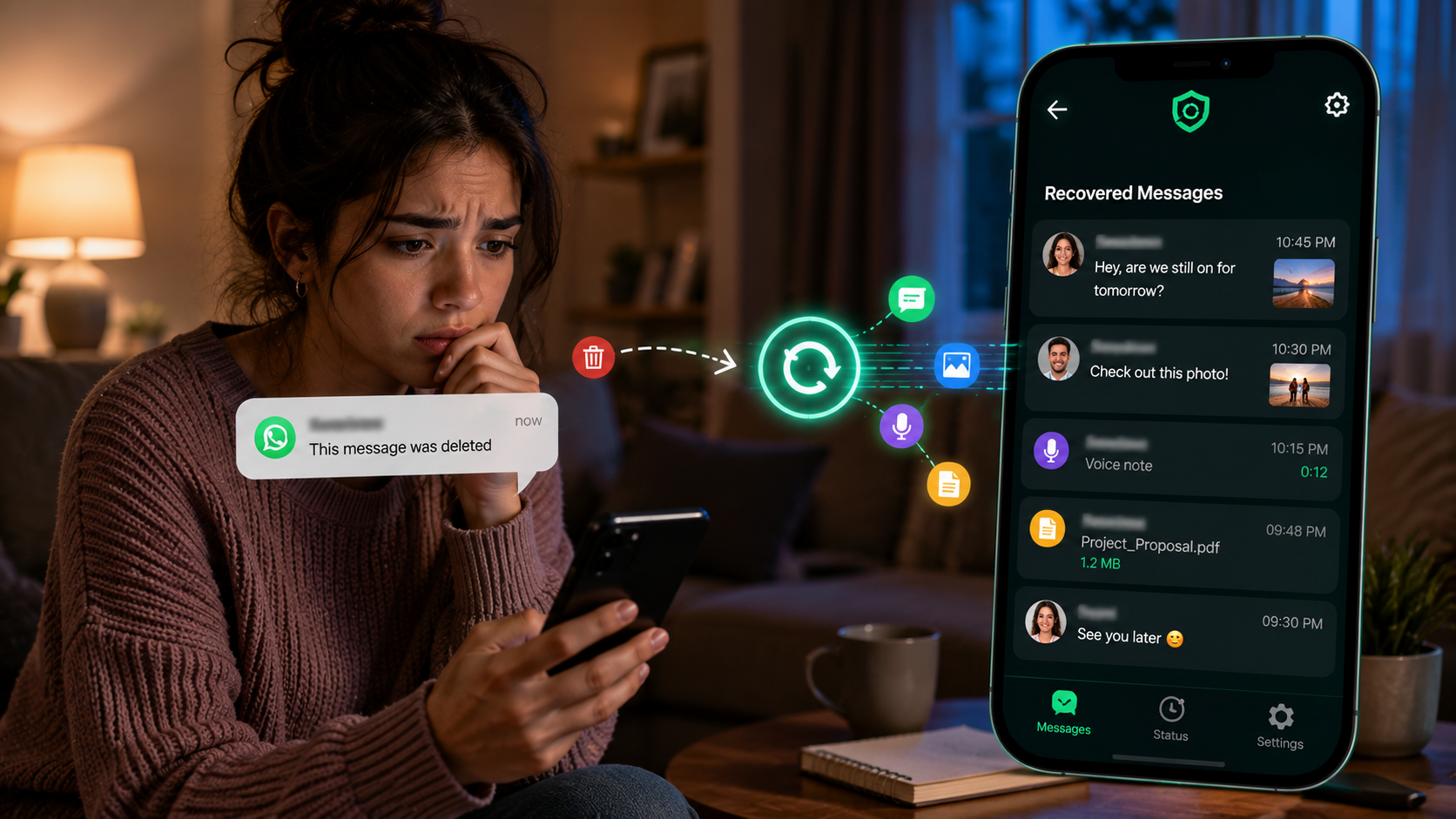
Recover Deleted Messages claims it can bring back deleted texts, photos, and status updates. We broke down how that recovery mechanism actually works, and where it hits a wall.
Get this app
About this app
You catch a notification pop up, and by the time you swipe over to actually read it, the other person has already deleted it - now you're left guessing what it said. That specific flavor of annoyance, wondering exactly what you missed, is the whole reason this app was built. It's a small, narrow-purpose utility, and knowing precisely what it can and can't pull off is what separates a satisfied user from a disappointed one.
How Recovery Actually Works Here
Here's the part most people assume wrong going in, so let's be precise about it: this app is not reaching into WhatsApp or Instagram's servers and pulling back something already erased from your phone. There's no secret backdoor into another app's database, and it doesn't crack end-to-end encryption. What actually happens is quieter than that - it watches your notifications in the background, and the instant a message or status shows up as one, before the sender can delete it, the app has already grabbed a copy. They can delete it on their end all they like; you've already got what came through. That's the full mechanism, nothing more mysterious than that - think of it as a notification archiver wearing a recovery-tool costume, and once you see it that way, every other behavior of the app makes sense.
Why It Needs Notification Access to Work
One permission makes this whole app work or not work: notification access. Android will let an app read the full content of incoming notifications system-wide, but only if you explicitly hand over that permission, and that's exactly the door this app walks through. The second a chat app posts a notification for a new message, this app's background service is reading the same text, sender name, and thumbnail you'd see in your own notification shade - and it saves that snapshot locally. So none of this happens retroactively; it happens at the exact instant the message lands, before there's ever a chance for anyone to delete it.
What You Can Actually Do With It
- Hang onto deleted texts and media: photos, videos, voice notes, and documents that came through as a notification get saved before the sender's delete request ever catches up to them.
- Save statuses before they vanish: bookmark a status update you liked before the 24-hour window closes it, no screenshot needed.
- Look through one simple recovery feed: every captured item lands in a single view instead of getting lost in a notification tray you've already swiped away.
- Keep running unattended: grant battery-optimization and auto-start permissions and it'll keep capturing without needing to be opened constantly.
- Filter down to one app or contact: cut through everything captured that day and zero in on the one conversation you're actually looking for.
Setting It Up So It Actually Catches Things
Whether this app reliably works comes down to a short setup checklist - and skipping even one item is the number one reason people end up saying it "doesn't work."
- 1. Grant notification access at the system prompt on first launch - skip this and nothing gets captured, period.
- 2. Switch off battery optimization for the app so Android doesn't quietly kill its background service to save power.
- 3. Turn on auto-start on phones that restrict background apps by default, which is common across several Android skins.
- 4. Give it storage or folder access so any media it captures has a place to land.
- 5. Keep notifications turned on for whichever apps you actually want covered - WhatsApp, Instagram, or any other chat app that matters to you.
What This App Is Not
| Situation | Can this app help? |
|---|---|
| The message notification arrived while the app was running and set up correctly | Yes - already captured by then |
| The message got deleted before any notification for it ever appeared | No - there was nothing to capture |
| The phone was off, or the app had been force-closed when it arrived | No - the notification never got seen |
| Notification access was revoked, or never granted in the first place | No - the app had no way to read it |
| You're hoping to read someone else's messages you were never notified about | No - it only ever sees notifications on your own device |
The Honest Limits Here
The developer is upfront about this, and it bears repeating: the app can't touch messages that were deleted before it ever registered them as a notification. Phone was off, the app wasn't running, or notification access hadn't been granted yet? There's nothing to recover - the message is gone exactly as it would be if the app were never installed. It also asks for a decent stack of permissions to function: notification access, storage, folder access, and an exemption from battery restrictions. That's a genuine ask, and it's worth knowing why each one matters before you tap allow, especially since notification access is a broad permission - it lets an app see every notification on your phone, not just messages from chat apps. The app itself is free, ad-supported, with some in-app purchases, and carries an all-ages rating. Realistically, it's less a magic recovery tool and more a notification logger wearing a nicer interface - but for the everyday scenario of wanting to know what a message said right before it disappeared, that's precisely the job it's built to do.
Is It Worth Installing?
If your problem is the ordinary annoyance of a message getting deleted seconds after the notification hit your screen, this app handles that cleanly, without demanding more access than the mechanism genuinely requires. It won't do forensic recovery, it can't retrieve anything from before you installed it, and it only works if it's set up right and left running in the background. If you're fine with that trade - a quiet notification logger in exchange for never losing a deleted message again - the few minutes of setup are worth it. But if what you actually wanted was to undelete messages already gone from a phone's storage after the fact, this isn't the tool for that, and frankly, no app claiming to do that on a modern, encrypted messaging platform deserves your trust.