
Your Stock Texting App Is Probably Slowing You Down and You Haven't Noticed
A closer look at a lightweight SMS and MMS messenger built around cleaner group chats, quick pop-up replies, and a surprisingly handy shortcut for texting right after a call.
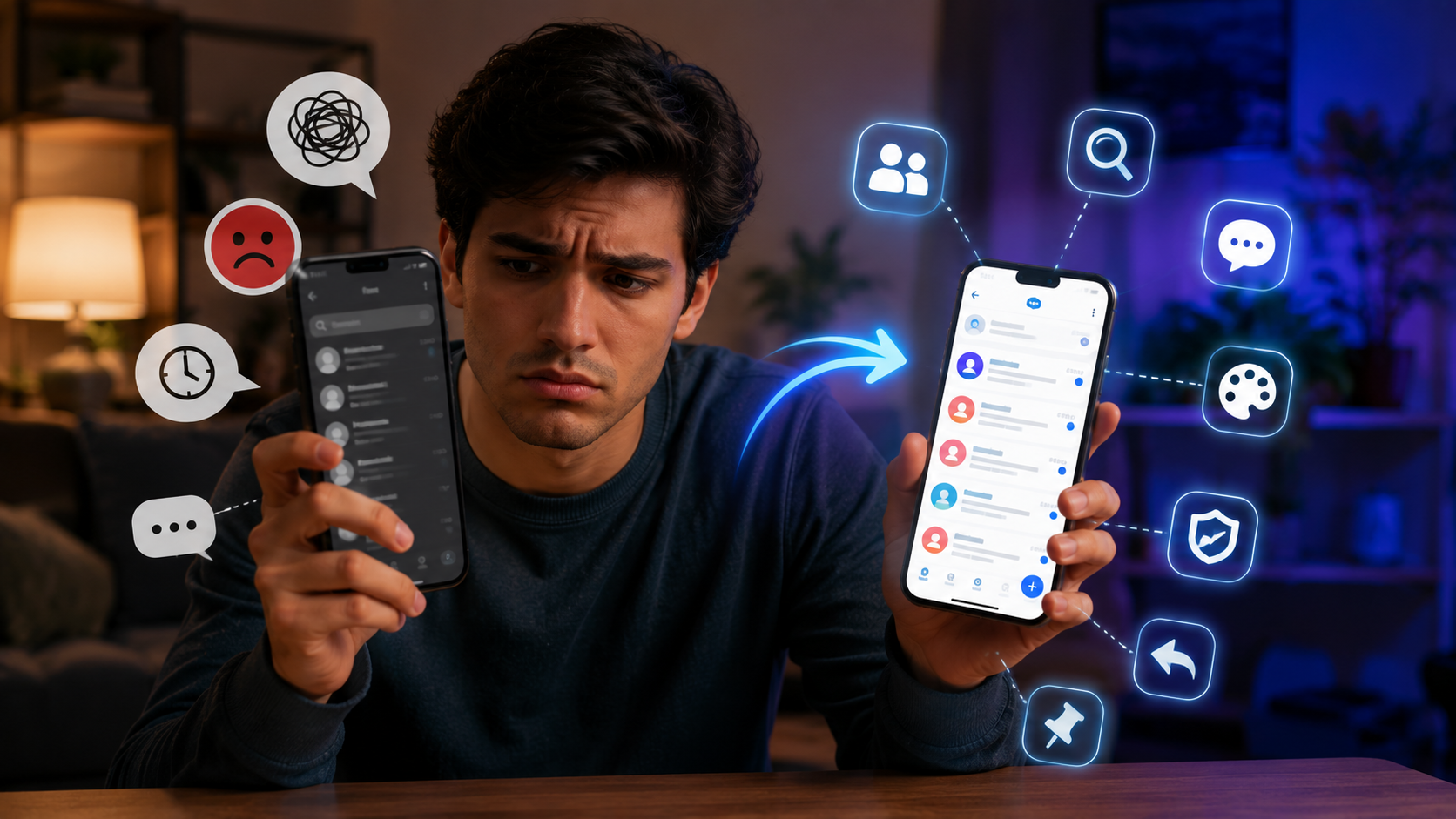
About this app
Nobody thinks about their texting app until it starts getting in the way - a thread you can't find, a group chat that's turned into chaos, a search bar that comes up empty on a message you know exists. That's usually when you realize how much time you're spending just wrestling with the app instead of actually texting. Replacing the phone's stock SMS app sounds like a nothing change right up until you do it, and then you notice all the small friction you'd just learned to live with.
What this app is trying to be
Messages - SMS Text Messenger swaps in for your phone's built-in texting app, and it sticks with SMS and MMS rather than betting on everyone adopting some new platform. That choice matters more than it sounds: a lot of messaging apps only shine when the other person has installed the exact same app, which falls apart fast once you're texting family, coworkers, and that one relative who treats new software like a personal insult. This app behaves exactly like your default messenger already does, protocol-wise - it just wraps that in a tidier interface, quicker search, and several small conveniences that genuinely add up once you've used it for a week.
Switching over without losing your history
- Install it and set it as your default – the app prompts you to make it the system default, which is the only way it can actually receive texts instead of just sitting alongside your old app.
- Let it pull in existing threads – conversation history already on the device transfers over, so you are not starting from an empty inbox.
- Approve SMS and contacts permissions – fairly standard for any default messenger, since it needs contacts to label who sent what and to handle MMS attachments.
- Back up your old app first – if you are coming from a different third-party messenger, export or back up before switching so nothing gets left behind.
- Set your theme and font right away – do it now, because this is exactly the kind of setting people mean to change and then never touch again.
What actually stands out
- Group chats that stay organized – coordinate with several people at once without the thread devolving into noise.
- Search that actually turns up results – track down an old message without scrolling through months of history.
- Adjustable themes and fonts – shape how the app looks instead of being stuck with one factory layout.
- A shortcut right after a call – hang up and the app hands you a direct link into texting that same person, a small touch that saves more taps than it sounds like it would.
- Backup and restore – texts and media save to local storage or Drive, so switching phones does not mean losing years of conversations.
- Quick replies and pinned threads – answer from a pop-up without fully opening the app, and keep your busiest conversations pinned near the top.
Stock messenger vs. this one, side by side
| Situation | Default phone messenger | This app |
|---|---|---|
| Digging up an old message | Search is often slow or weak | Dedicated search that actually surfaces it |
| Group chats with a lot of people | Tends to get messy fast | Designed around keeping groups readable |
| Texting someone right after hanging up | A few extra taps back to messaging | A direct link straight into that thread |
| Customizing the look | Usually locked, no options | Themes and fonts you can adjust |
| Keeping your message history safe | Depends on the phone maker | Backup built in, to local storage or Drive |
Who should actually bother switching
It carries a 12-and-up rating, shows ads, and sells in-app purchases - pretty standard territory for a free messaging app. The download count is modest right now, somewhere around 10,000 with just over a hundred reviews, so this is clearly newer rather than an established name. Still, the rating clears 4 stars, which for a texting app at this size hints that the people who have actually tried it are genuinely satisfied, even without the brand recognition of the bigger players.
It earns its keep for anyone juggling a lot of different group threads - family chats, work coordination, planning an event - and who is fed up with those conversations getting buried or impossible to search. If your texting habits are lighter and your phone's stock app already covers what you need, the switch will not move the needle much for you day to day.
If your current app feels like more of an obstacle than a tool, this is a low-risk swap to try - SMS and MMS work the same underneath no matter which app sends them, so your contacts and conversation history should not feel foreign after switching. Worst case, you go back to your old default and you're out nothing but a few minutes of setup.
What actually changes on the network side when you switch
One misconception worth clearing up first: swapping your default SMS app does not touch how texting works at the network level, and it changes nothing for the people you're messaging. SMS and MMS run as carrier-level protocols - no app controls that end to end, it just gives you the interface for reading and sending. So someone on a totally different default texting app still gets your message exactly the same, regardless of what you're running. Every bit of the upside from switching lives in your own experience of the app, not in anything the other person notices.
Giving it a real trial run before fully committing
- Leave your old default app installed rather than deleting it, for at least a week after switching, in case some feature you relied on turns out to be missing.
- Actually test the after-call texting shortcut on a real phone call within the first day or two - it is easy to forget it exists until the moment you need it.
- Verify the backup feature genuinely completed at least once, instead of assuming it quietly worked in the background, before you trust it with years of texts.