
Water Stuck in Your Phone Speaker? Here's What This App Can and Can't Fix
A straight-talking look at how a speaker water eject app uses sound vibration to shake loose trapped moisture and dust, plus exactly where its limits kick in.
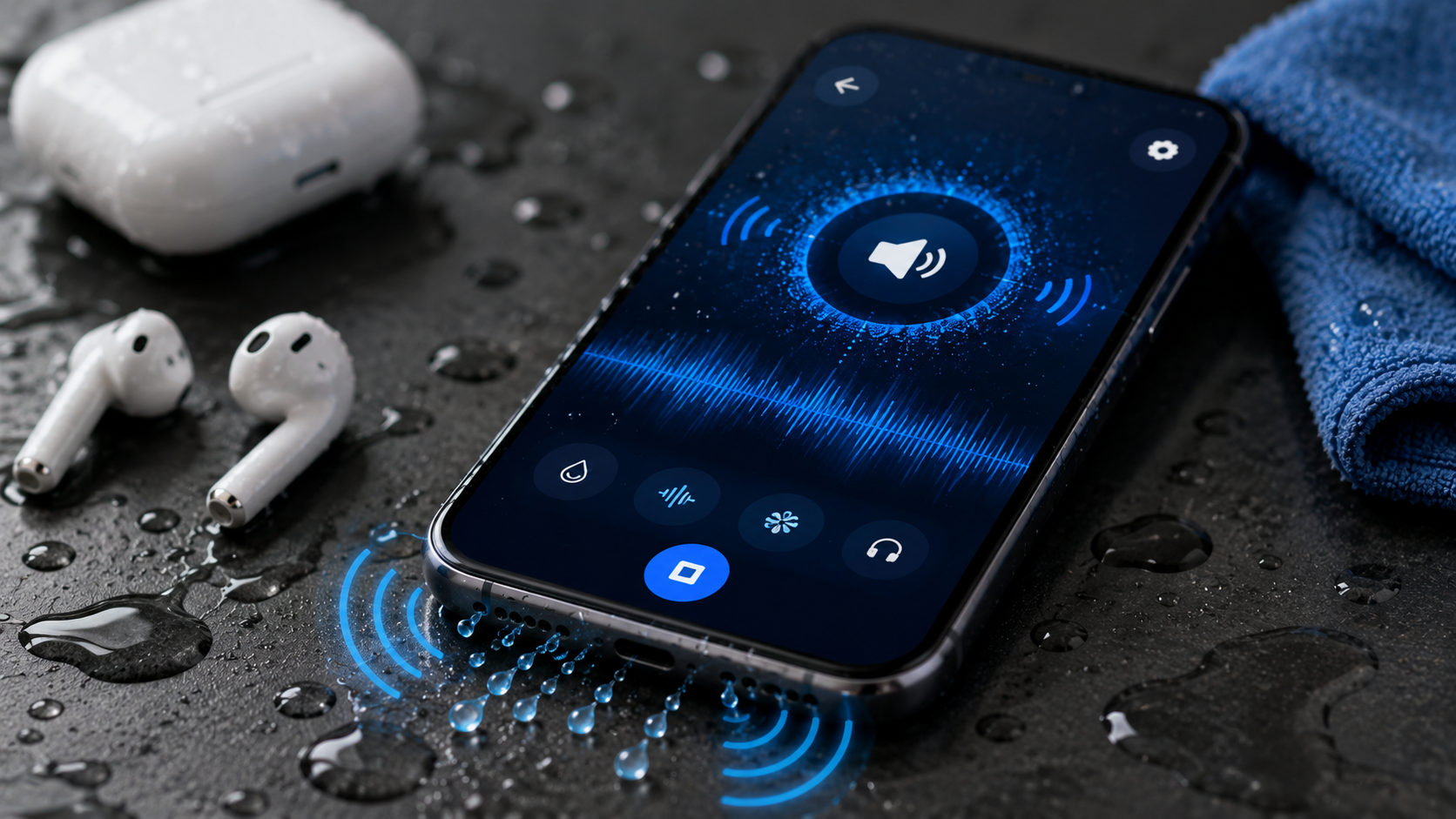
Key Takeaways
- It works by vibrating the speaker diaphragm with sound, the same physics as a wet dog shaking off water, just at a much smaller scale.
- It can only shift surface-level moisture - water that has already reached internal components is beyond what it can do, since it is not a repair tool.
- Dry the phone's exterior first, then use the built-in test tone afterward to check whether it actually worked.
- If the sound is still muffled after several attempts, let the phone fully air dry before trying again instead of repeating the same cycle over and over.
Get this app
About this app
The phone lives through the sink splash, the sudden downpour, the accidental dunk during a swim - and then the speaker comes out sounding thin and muffled, like it's talking through a towel. You towel it off, wait the hour everyone insists you should wait, and it still sounds wrong.
What's really going on here
Speaker Water Eject & Remover blasts out precisely tuned sound frequencies meant to physically shake small amounts of trapped water or dust free from your speaker grille. It borrows the same trick built into the water-eject shortcuts on some smartwatches, just repackaged as its own app with finer control over the process and a way to actually test whether it worked afterward.
What's packed in
- Quick eject mode – one tap fires off a sound burst meant to push small amounts of water out fast.
- Manual cleaning mode – step through the frequency patterns yourself when the quick option leaves things half-cleared.
- Dust assist – a separate vibration pattern built for loosening light dust rather than moisture.
- Headphone mode – its own setting tuned specifically for earbuds and wired headphones that picked up moisture.
- Test tones – play them afterward so you can hear for yourself whether it actually worked instead of just hoping.
Why shaking a speaker with sound even works
Mechanically, a phone speaker is nothing more than a tiny diaphragm vibrating air to produce sound. Push a low enough frequency at a high enough volume through it, and that same diaphragm shakes hard enough to fling loose water droplets sitting on or near it - essentially the same physics as a wet dog shaking itself dry, just miniaturized and driven by sound waves instead of muscle. That also explains its ceiling: it can dislodge water still sitting near the surface of the grille, but it has no way to reach moisture that has already crept past the speaker into the phone's internals, and it certainly cannot undo corrosion a component has already suffered from water exposure.
Before and after you run it
- Wipe the outside of the phone dry with a cloth first - running eject tones on a phone that is still dripping just gives the sound more water to shove around.
- Run it a few times rather than expecting one tap to solve everything - trapped water rarely clears out in a single burst.
- Actually use the test tone afterward instead of assuming success. A speaker still sounding muffled after several rounds is telling you something the tones alone cannot fix.
- If it still sounds off after a handful of tries, let the phone air dry fully, sometimes overnight, before trying again - moisture can keep shifting around well after the initial splash.
A few things worth knowing before you download it
The developer is upfront about the limits, and it's worth repeating here: this is sound vibration, not hardware repair, and it won't reverse real water damage or promise moisture is fully gone. Treat it as a first response for minor exposure, not a cure for a phone that took a real dunking. It runs ads, sells in-app purchases, and carries an all-ages rating. It's a smaller-scale app too, around 10,000 downloads with a rating just under 4 stars, which fits a niche utility people install once, use when needed, and mostly forget about otherwise.
For exactly what it's meant for, a quick response to a wet pocket or a dusty phone case, this kind of speaker-clearing app is a reasonable thing to try before you start assuming the worst.
When to stop trying and take it to a repair shop
- The sound stays muffled or distorted after multiple rounds of eject tones spread across a full day of air drying - a sign moisture has gone further than vibration alone can reach.
- Other symptoms show up alongside the muffled speaker, like a charging port that connects unreliably or a flickering screen, which suggests water traveled past the speaker grille.
- You can actually see condensation forming under the camera lens or screen - an app has no way to clear moisture that has already worked its way behind glass.
- The phone was submerged for more than a few seconds rather than just splashed - the longer the exposure, the higher the odds of internal corrosion that no eject tone can touch.
How this stacks up against the old rice-in-a-bag trick
It's worth comparing this to the advice everyone already knows: burying a wet phone in rice. When rice works, it works by slowly pulling ambient moisture out of the air surrounding the phone over many hours - it does nothing for water already sitting inside a speaker grille, and nothing about it happens fast. A sound-based eject tool tackles the opposite problem: water lodged in one specific spot, cleared in seconds instead of overnight. In practice they complement each other rather than compete - run the eject tones first to handle the speaker specifically, then let the phone sit somewhere dry and ventilated afterward as extra insurance, rather than leaning on either one alone as a complete fix.
Frequently Asked Questions
Will this actually undo water damage?
No - it can help clear surface moisture from the speaker grille through sound vibration, but it can't reverse corrosion or damage to internal parts from genuine water exposure. Think of it as a first response for a phone that took a real dunking, not a repair.
Is repeated full-volume use safe for the phone?
Yes, the frequencies are built specifically for this and are fine to use repeatedly, though running it more than a handful of times in a row rarely helps once it's clear the first few attempts did not work.
Does it help with wired earbuds as well?
Yes - headphone mode switches to a separate frequency pattern designed for earbuds and wired headphones rather than the phone's own speaker.