
The Trick That Finally Gets a To-Do List to Send You to the Store
Here's a hands-on look at Planner: To Do List & Reminder, the app that fires off location-based alerts so a task nudges you exactly when - and where - it's actually possible to do it.
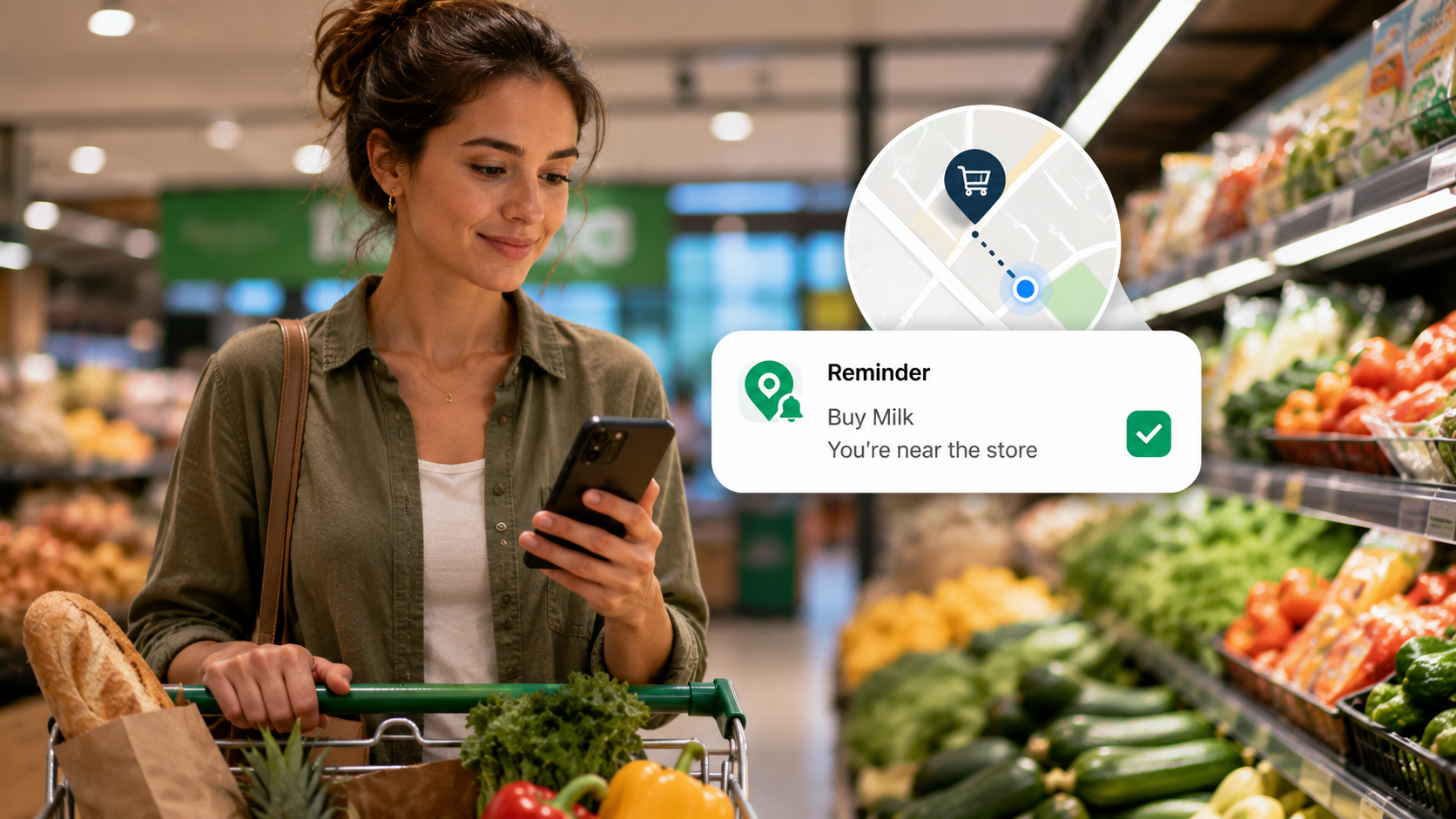
About this app
Writing the task down was never the hard part. The hard part is that buy milk just sits there on a list you don't open again until you're already home and the store's closed for the night. A 9am reminder is useless if you don't pass a shop until 6pm - the task itself was fine, it's the timing that was off, and timing turns out to be everything.
What This Planner Is Actually Trying To Solve
On paper, this looks like any other task-and-reminder app - add something, set a time, get pinged. What sets it apart from a glorified notes app is the location-based alert. Rather than locking a reminder to a clock, you can tie it to a place instead, so a reminder to grab the dry cleaning goes off when you're actually near the dry cleaner, not at some random hour while you're stuck in a meeting. It's a minor shift in how the app works mechanically, but it changes how often the task actually gets crossed off.
Most planners bank on you remembering to check the list at just the right moment. This one bets you won't, and tries instead to catch you at the moment the task is actually possible. That distinction pays off most on errands - groceries, pharmacy trips, dropping a package off - less so for desk work, where a plain time-based ping already does the job fine.
Where the Actual Value Is
- Alerts anchored to a place, not the clock: get pinged the moment you arrive somewhere or leave somewhere - noticeably more useful for errands than a time-based ping ever is.
- Subtasks nested inside one task: split a big job into ten smaller steps instead of letting ten separate to-dos clutter up the main list.
- Color-coded categories: scan the day and instantly tell work from personal from urgent, no reading required.
- Per-reminder ringtone and vibration: crank up the ones you can't afford to sleep through, and mute the ones that don't really matter.
- Quick task capture: log something in a couple of taps before it slips your mind - arguably the feature that matters most if inconvenient timing is when your brain likes to remember things.
Setting Up a Location Reminder
The location feature is really the whole reason to choose this over a plain notes app, so it's worth understanding exactly how it functions before you lean on it for something time-sensitive.
- Start by creating the task: write it up the same way you would any other to-do - a title, plus an optional note or subtasks.
- Pick "remind me at a location" over a time: this swaps the trigger from a clock to a physical place.
- Search for the spot or drop a pin: a specific store, a street address, or a saved favorite like "home" or "work" all work.
- Choose arrive or leave: arrive fires the reminder as you get close, leave fires it as you head out the door.
- Say yes to the location permission prompt: skip this and the alert simply never goes off - this step isn't optional.
How It Compares to Time-Based Reminders
| Situation | Time-based reminder | Location-based reminder |
|---|---|---|
| Buying something at a specific store | Fires regardless of whether you're near it | Fires only once you're actually there |
| A fixed appointment (call, meeting) | Works fine | No place to anchor a trigger to |
| An errand with a loose schedule | Easy to snooze straight into forgetting | Holds off until the errand is actually doable |
| A task tied to leaving somewhere | Hard to time right | Built exactly for this |
Neither one replaces the other - a dentist appointment still needs an actual time, not a place. The point isn't that location beats time across the board; it's that matching the trigger to the kind of task cuts down on how many alerts you end up swiping away unread.
A Few Honest Notes
This is a smaller app - roughly 10K downloads and a 3.7 rating as of last check - which usually signals it nails the basics without the extra polish you'd get from a bigger productivity name. It's free, ad-supported, with optional in-app purchases, and carries an all-ages rating, so there's nothing beyond plain task management going on here. Looking for calendar sync or team collaboration? Not what this does - it's built as a personal planner, not project-management software.
Location reminders only work if your phone's location services stay switched on, and that carries a battery cost some people won't be willing to eat. If that's a dealbreaker for you, the time-based reminders and checklists still function perfectly well on their own - location is an added layer, not something the app forces on you.
Productivity rarely fails because someone had nowhere to write a task down - it fails because the reminder shows up at the wrong moment. Teaching a to-do list to notice where you actually are is a small tweak that quietly solves a surprisingly large slice of that problem.
A Few Traps Worth Avoiding With Location Reminders
- Making the trigger radius too small: shrink it down too far and GPS drift can occasionally stop the reminder from firing at all - a slightly wider radius is more forgiving.
- Using an arrive-trigger where a leave-trigger belongs: a reminder to grab your umbrella needs to fire as you leave home, not as you show up somewhere else.
- Stacking too many location reminders into one tight area, like a mall with several stops - overlapping radii can make reminders fire out of order or all at once, undermining the whole point of tying them to a specific stop.