
A Calculator You Talk To Instead of Poking at Tiny Buttons
A look at a voice calculator that works out equations, EMI, and GST by listening rather than by tapping, aimed squarely at anyone whose hands are usually full of something else.
Key Takeaways
- Say equations the way you'd naturally speak them rather than reading off individual digits - that's what the recognition is tuned to catch.
- It shines most for multi-step calculations and hands-busy moments; a quick single sum is often still faster punched into the keypad.
- Background noise causes most misreads - moving somewhere quieter fixes it more reliably than just speaking louder.
- EMI, GST, and scientific modes sit underneath the voice feature, so this works as a full calculator app rather than a one-trick novelty.
Get this app
About this app
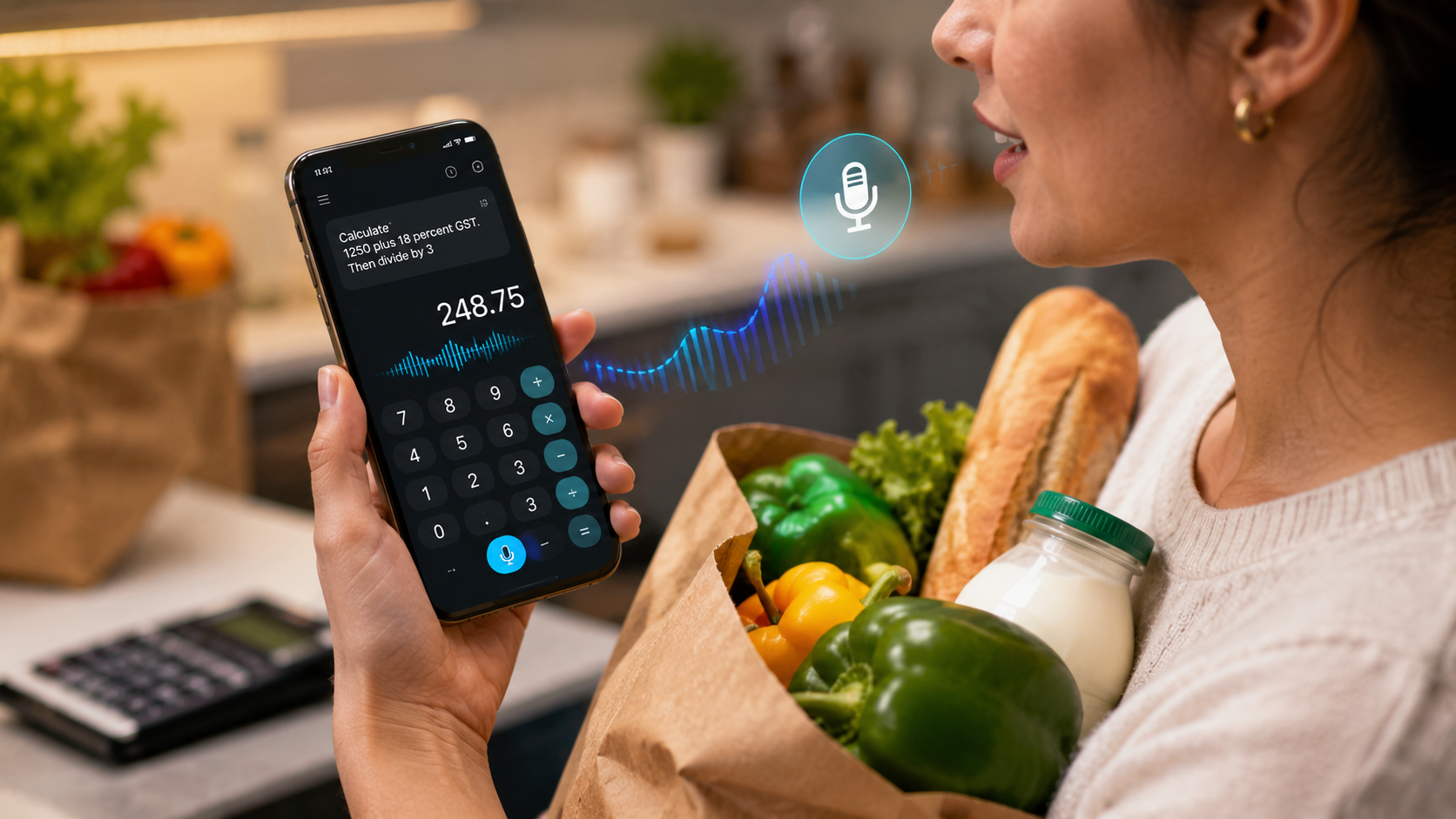
Your hands are full, one gripping a grocery bag, the other your phone, and you still need to split a tip three ways. Poking numbers into a calculator app in that moment is way more annoying than it has any right to be.
What you actually gain by speaking to a calculator
Voice Calculator lives up to the name: say an equation out loud and it solves it, no tapping through digits and operators one press at a time. Underneath that voice layer sits a genuinely capable calculator app, so speaking to it is really just a shortcut bolted onto scientific, EMI, and tax calculators you'd want to have around anyway.
What's actually in the box
- Voice-activated equations – say a calculation out loud and get the answer with no keypad involved.
- Scientific calculator mode – handles anything past basic arithmetic without reaching for a separate app.
- EMI and loan math – works out monthly payments, total interest, and repayment figures for a loan in seconds.
- GST and VAT tools – separates net amount, tax, and gross total, handy for anyone dealing with invoices or receipts often.
- Calculation history – pull up a past result instead of redoing the same math over again.
Getting the voice recognition to actually understand you
- Say numbers and operators the way you naturally would - "twelve times four" rather than reading off digits one by one, since that's what the recognition is tuned to catch.
- Leave a short pause before and after the equation instead of running it into other speech, so the app can tell exactly where the calculation begins and ends.
- In a loud room, cup a hand near the mic or find somewhere quieter rather than just speaking louder - volume rarely fixes a misread caused by background noise.
- When a complicated EMI or GST calculation keeps getting misheard, type the base numbers instead and save voice input for the simpler follow-up steps.
Where voice actually beats a standard calculator
The obvious win is anything hands-busy - cooking, riding passenger-side, hauling groceries - but there's a less obvious one too: longer, multi-step calculations. Reading a whole equation out loud and getting a single answer back is often quicker and less error-prone than tapping through it digit by digit, where one mistyped number sends you back to square one. For a quick single-digit sum, though, the keypad usually still beats waiting on voice recognition to process, which is exactly why the app keeps both around instead of forcing voice on everything.
A few honest notes
It runs ads, sells in-app purchases, and carries a 12-and-up rating. With more than 5 million downloads and over 20,000 reviews landing at a mid-range score, it's clearly popular enough that the voice recognition works for most people most of the time - though like any voice input, a loud room or a strong accent can occasionally trip it up, which is why the standard keypad stays around as a real backup rather than a token gesture.
For quick math when your hands are occupied, or for anyone who simply finds punching in numbers tedious, a voice calculator like this earns a spot on the home screen more than you'd expect from something this straightforward.
How it stacks up against just asking your phone's assistant
Fair question, since most phones already have a built-in assistant that can handle a basic math problem without any extra app. The gap shows up once you go past simple arithmetic. A general-purpose assistant is built for one-off conversational answers, not for holding a running calculation history, flipping into scientific mode, or walking through an EMI or GST breakdown with labeled fields for principal, interest, and tenure. A dedicated voice calculator keeps that structure visible, so you can see exactly what numbers produced a result and rerun something similar with one value tweaked, instead of restating the whole spoken question from the top.
Who benefits most from a voice calculator
- Anyone doing math with their hands full – cooking, driving, holding a kid, carrying groceries - situations where reaching for a keypad means stopping first.
- People who regularly figure out EMI or loan repayments – the dedicated EMI mode skips re-deriving the formula each time, spoken or typed.
- Small business owners handling invoices – separating GST or VAT amounts from a gross total is a repeat task worth having a shortcut for.
- Anyone who finds a cramped on-screen keypad fiddly – big phones and small hands do not always get along, and speaking sidesteps that entirely.
Setting realistic expectations on accuracy
Worth calibrating expectations before leaning on this for anything important: voice recognition on numbers is generally excellent in a quiet room with clear speech, and it degrades in fairly predictable ways from there - background noise, a strong accent the model has seen less of, or numbers rattled off too fast. None of that makes the feature unreliable, but for a financial figure with real stakes, like double-checking an EMI amount before you sign paperwork, it's worth a quick manual confirmation on the keypad rather than trusting a single spoken result blindly.
Frequently Asked Questions
Does the voice calculator still work without an internet connection?
Basic voice-to-calculation recognition usually runs through on-device speech processing, so it typically keeps working offline, though this can shift depending on the device and app version.
Can I string together more than one calculation in a single go?
It handles one spoken equation at a time and hands back one result - for a chain of separate calculations, speak them one at a time and lean on the calculation history to reference earlier answers.
What if the app mishears what I said?
It usually shows what it picked up alongside the result, so you can spot a misread right away and either repeat the equation or switch to typing it manually.