Browser Tabs Keep Reloading, Freezing, or Crashing: How to Narrow Down the Cause
When browser tabs repeatedly reload, become unresponsive, or suddenly disappear, the cause is not always the website you are visiting. The problem can come from limited system memory, a browser extension, corrupted site data, graphics acceleration, an outdated browser, a problematic tab, or a wider Windows issue. The most useful approach is to identify what … Read more
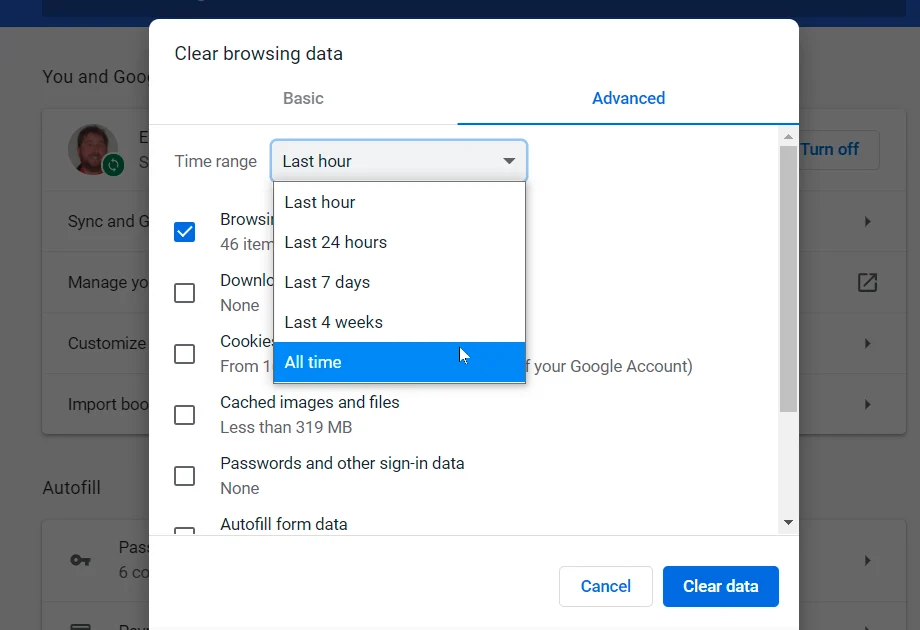
Browser Storage Is Full: What You Can Safely Clear Without Losing Important Browsing Data

When a browser says storage is full, websites may load slowly, pages may behave strangely, or the browser may keep asking you to clear data. The problem can be confusing because browsers store several different types of information, and deleting the wrong category can sign you out of websites or remove locally stored data. The … Read more

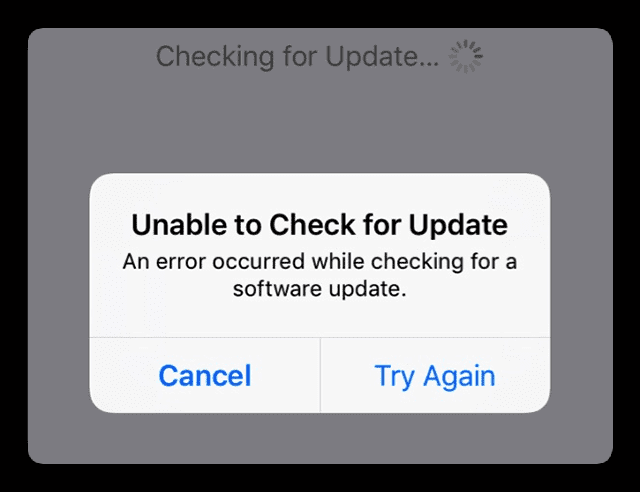
A Software Update Keeps Failing: How to Check Storage, Services, Network Access, and Compatibility

When a browser says storage is full, websites may load slowly, pages may behave strangely, or the browser may keep asking you to clear data. The problem can be confusing because browsers store several different types of information, and deleting the wrong category can sign you out of websites or remove locally stored data. The … Read more

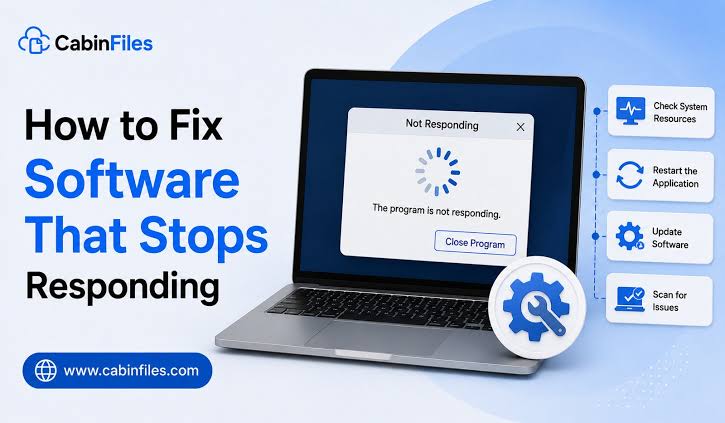
A Windows Program Suddenly Stops Responding: What to Check Before Ending the Task

When a Windows program suddenly shows “Not Responding,” the first reaction is often to open Task Manager and click End task. Sometimes that is the right move. But if you do it too quickly, you may lose unsaved work or miss the reason the program became unresponsive in the first place. A frozen-looking program may … Read more

Your Google Account Security Settings Need a Checkup: What to Review and Why Each Setting Matters

Your Google Account may be connected to Gmail, Google Drive, Photos, YouTube, Chrome, Android devices, saved passwords, and many third-party apps. That makes the account’s security settings worth checking regularly. You do not need to change every setting just because it exists. A better approach is to review the important security controls, confirm that the … Read more

Before Installing a Browser Extension, Check These Permissions, Developer Details, and Warning Signs

Browser extensions can add useful features to Chrome, Edge, Firefox, and other browsers. They can help with passwords, productivity, accessibility, shopping, writing, privacy, and many other tasks. But installing an extension also means giving software permission to interact with your browser and, depending on the extension, potentially access information from websites you visit. That is … Read more

Apps Have Access to More Than They Need: How to Review and Remove Unnecessary Permissions

An app may need access to certain parts of your phone or computer to provide its main features. A navigation app needs location access, a video-calling app may need the camera and microphone, and a photo editor may need access to photos. The problem starts when an app keeps access that you no longer use … Read more

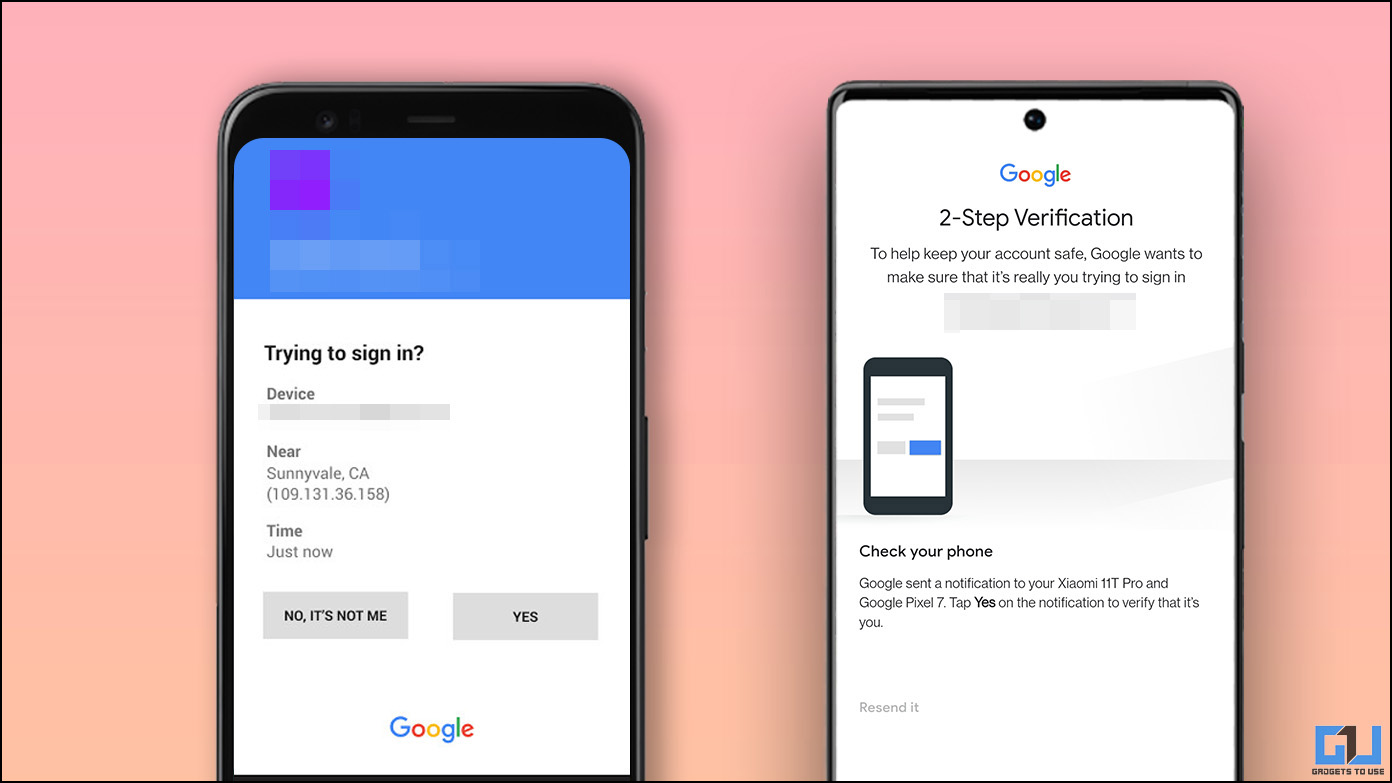
You Received a Login Alert You Don’t Recognize: How to Check Whether Your Account Was Actually Accessed

A login alert you do not recognize can be alarming, but the alert alone does not always mean someone successfully accessed your account. A security notification may be triggered because you signed in from a new device, changed networks, traveled, installed an application that signed in to your account, or because someone else attempted to … Read more

Your Important Files Are Only Stored in One Place: How to Build a Backup System That Is Easy to Maintain

If your important files exist in only one place, they can disappear because of a failed drive, lost device, accidental deletion, ransomware, theft, or another unexpected problem. The solution is not necessarily an expensive backup system. A useful backup system is one that protects your important files, keeps more than one copy, and is simple … Read more