Why Windows Says “Connected, No Internet” and What to Check Step by Step?
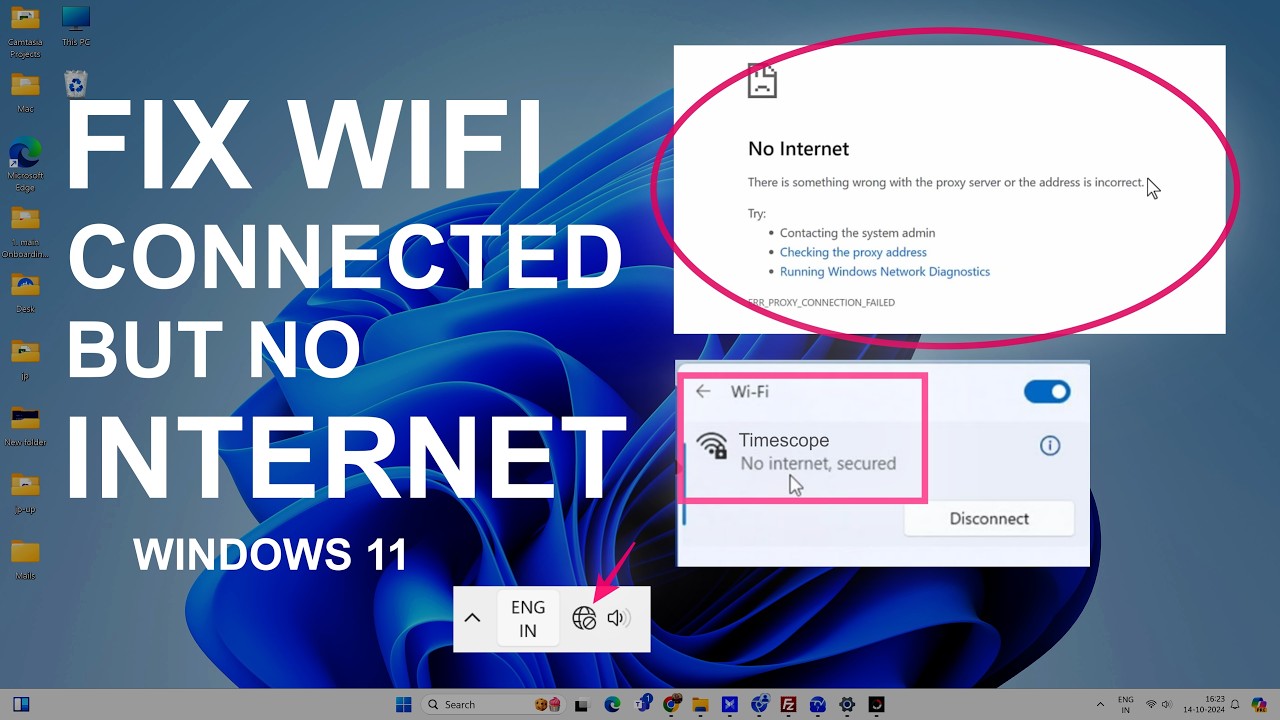
  Seeing “Connected, No Internet” in Windows usually means your PC has successfully connected to a local network, but Windows cannot confirm normal Internet access. That does not always mean your Wi-Fi adapter is broken. The problem can be with the router, Internet service, IP address, DNS, proxy settings, network adapter, or even Windows’ own … Read more


Why Your Windows Laptop Is Running Slow and What to Check First?

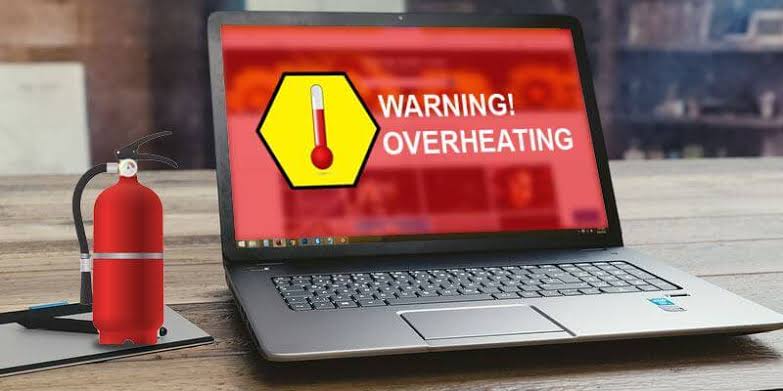
A Windows laptop can become slow for very different reasons. Sometimes a single application is consuming too many resources. In other cases, Windows is starting too many programs, the drive is nearly full, the laptop is overheating, or the hardware is simply struggling with newer workloads. The important part is finding the bottleneck before changing … Read more

Why Windows Apps Keep Freezing and How to Troubleshoot the Problem?

When a Windows app repeatedly freezes, stops responding, or becomes unusable for several seconds, the problem is not necessarily the app itself. The cause could be corrupted app files, an outdated application, insufficient system resources, a Windows component problem, a driver conflict, incompatible software, malware, or an issue that affects only one particular program. The … Read more

How to Free Up Windows Storage Without Deleting Important Files?

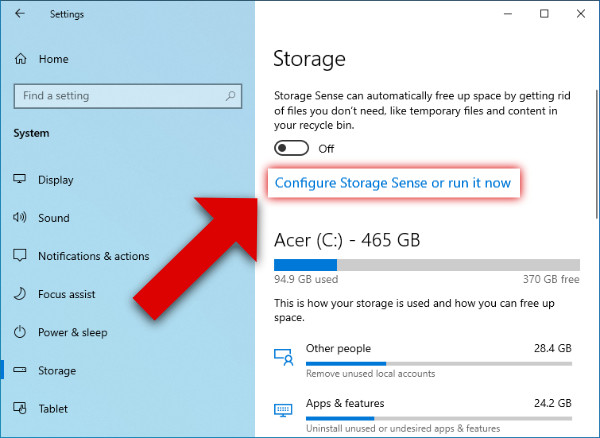
  When Windows says your storage is almost full, it can be tempting to start deleting large folders until enough space appears. That approach can create a bigger problem. Some files are safe to remove, while others may contain personal documents, application data, recovery information, or files required by Windows. The safer approach is to … Read more

Why Android Apps Keep Closing and How to Troubleshoot the Problem?

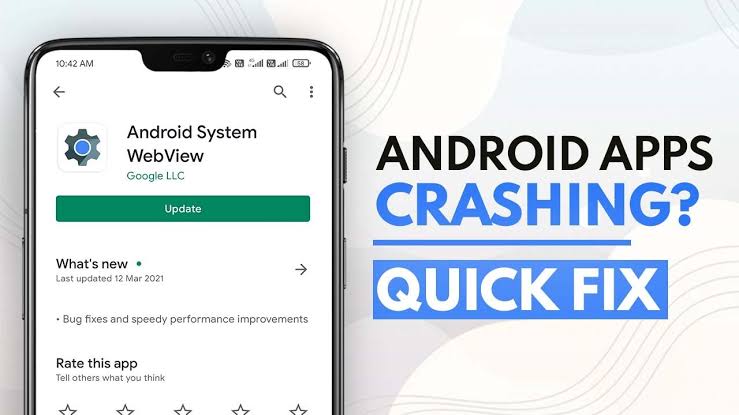
  An Android app that suddenly closes can be frustrating, especially when it happens repeatedly or affects an app you need every day. Sometimes the problem is limited to one application. In other cases, several apps may keep closing because the phone itself has a storage, software, update, or compatibility problem. The safest way to … Read more

Why Your Android Phone Battery Drops Overnight and What to Check?

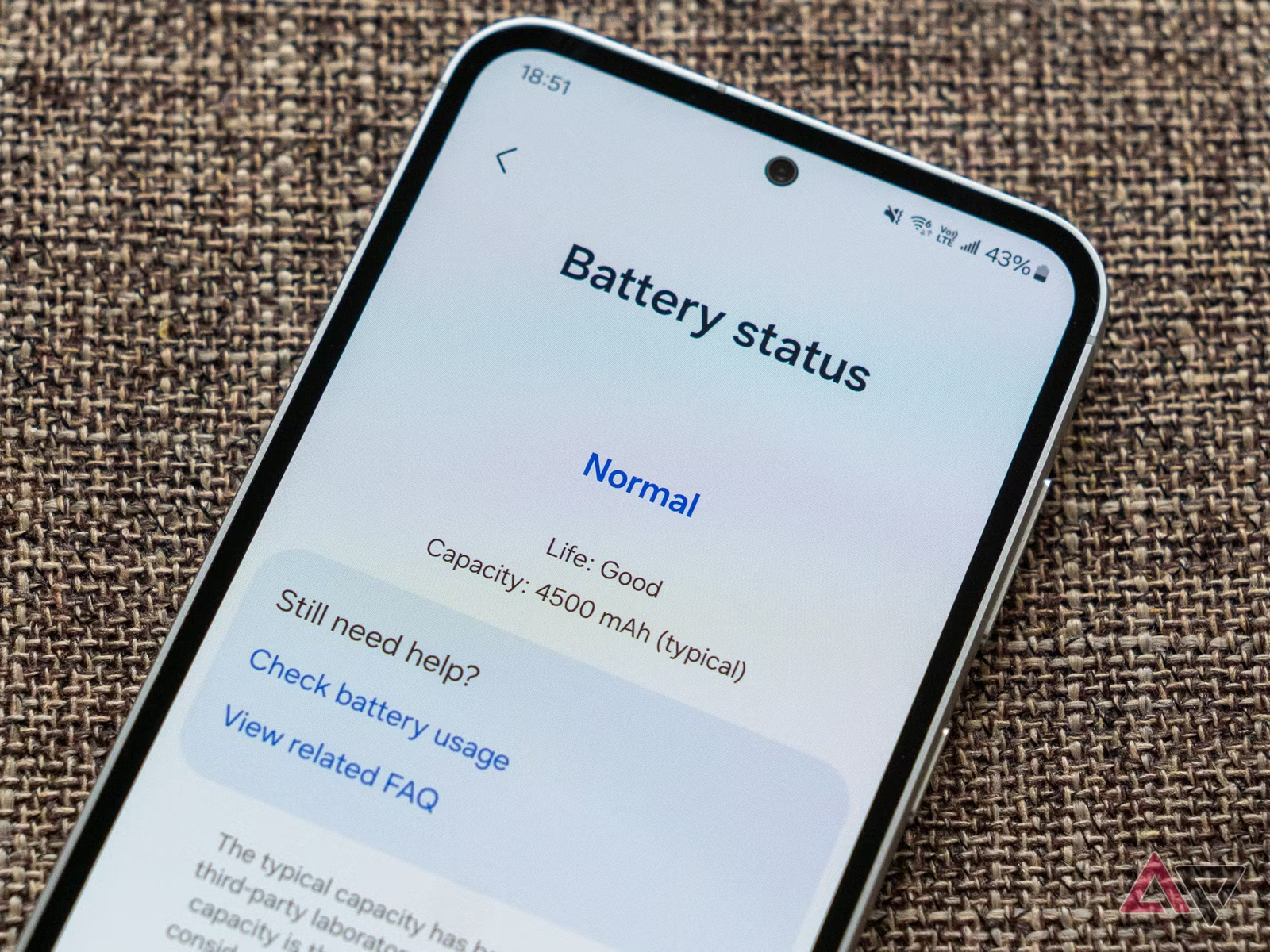
  Waking up to find that your Android phone has lost a noticeable amount of battery while you were not using it can be frustrating. A small amount of overnight battery use is normal. Your phone may still receive notifications, maintain network connections, synchronize accounts, check for updates, and perform other background tasks. The important … Read more

How to Free Up Android Storage Without Deleting Important Photos or Videos?

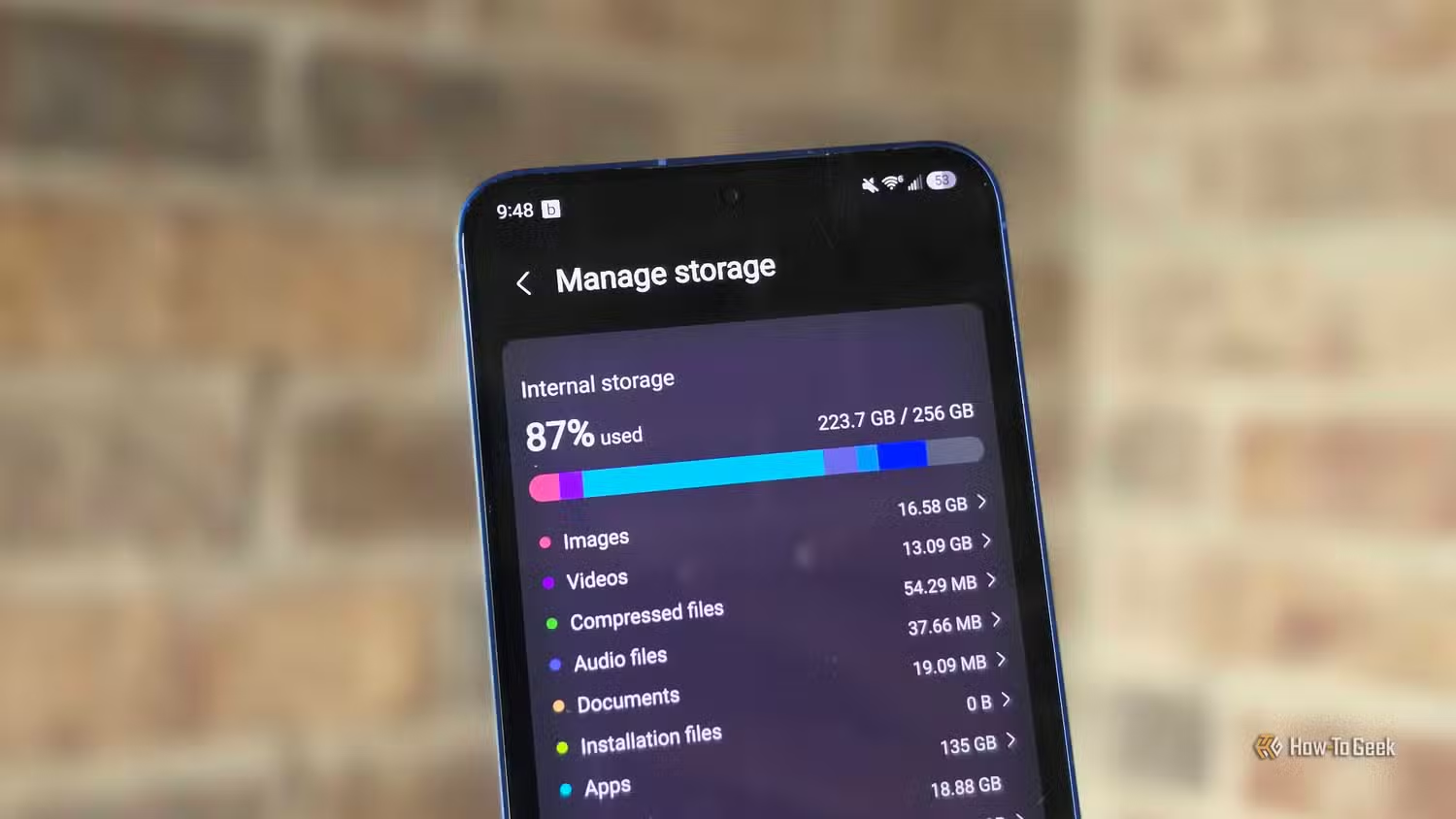
Running out of storage on an Android phone can make simple tasks frustrating. Apps may stop updating, the camera may fail to save new photos, and the phone can become harder to use. The safest approach is not to start deleting personal files. First find out what is using the storage, then remove temporary or … Read more

How to Check Android Apps for Suspicious Permissions and Remove Unnecessary Access?

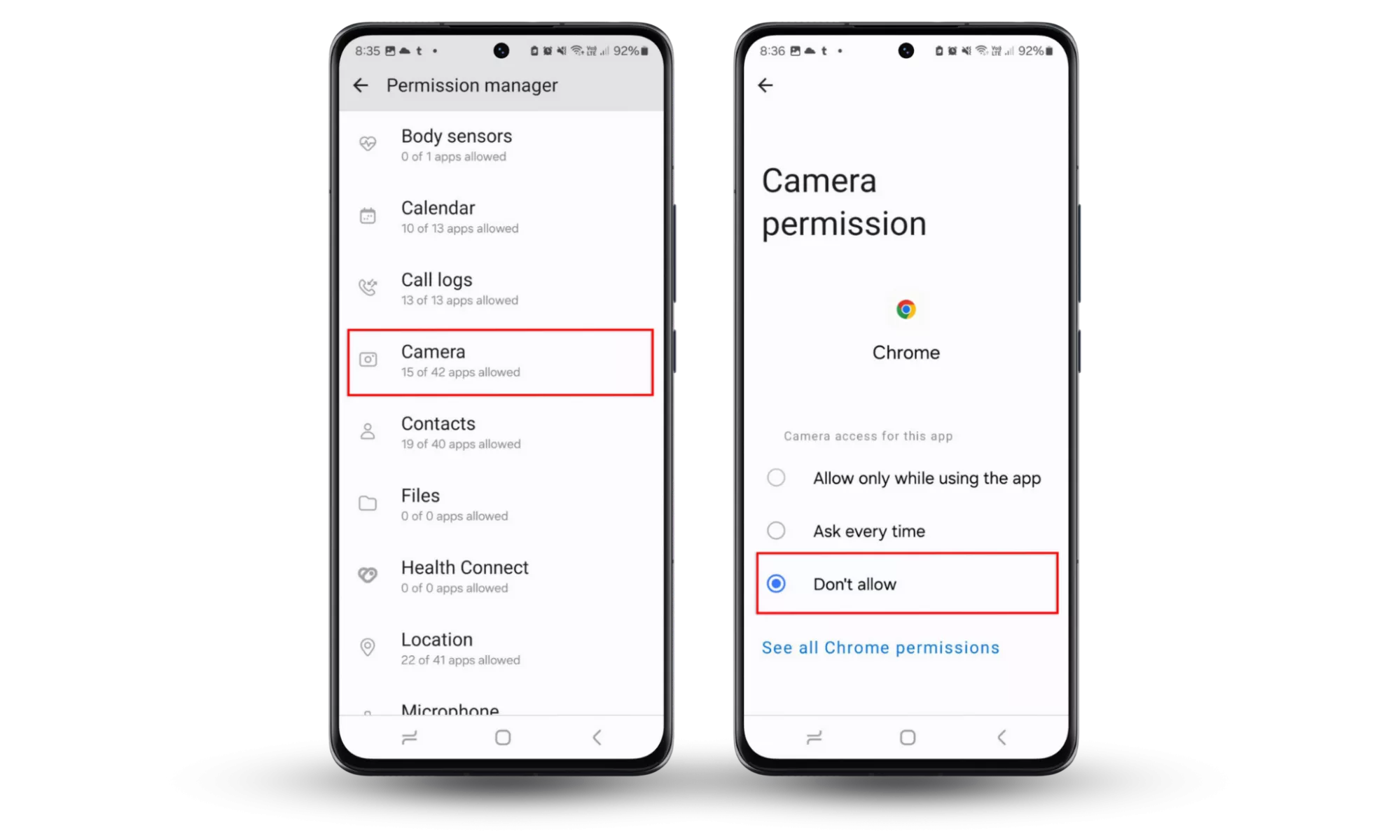
Android apps often ask for access to information and features on your phone. Depending on the app, permissions can include access to your camera, microphone, location, contacts, photos, files, notifications, or other device features. Some permissions are necessary for an app to work correctly. A navigation app needs location access for navigation, for example, while … Read more