Wi-Fi Disconnects Every Few Minutes: What to Check on Your Device Before Blaming the Router
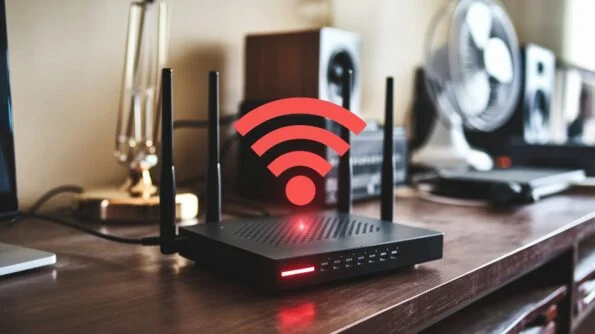
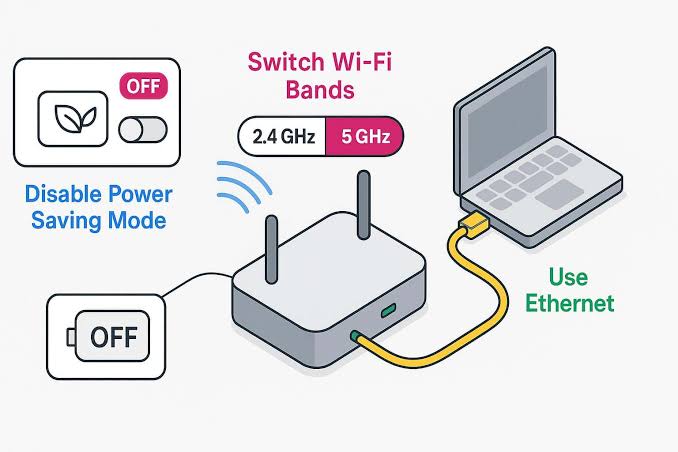
A Wi-Fi connection that disconnects every few minutes can be frustrating, especially when other devices in the same home appear to work normally. The router is not always the problem. A Windows PC, laptop, Android phone, or other device can disconnect because of a weak signal, power-management settings, outdated network drivers, saved Wi-Fi configuration, VPN … Read more

Internet Is Slow on One Computer but Fine on Everything Else: How to Find the Bottleneck

If the internet works normally on your phone, tablet, smart TV, and other computers but feels slow on one computer, the router is not automatically the problem. A single computer can have its own bottleneck. The cause might be a weak Wi-Fi connection, an outdated network driver, background downloads, a browser problem, VPN software, high … Read more

Bluetooth Headphones Disconnect During Use: How to Find Out Whether the Problem Is the Headphones or Your Device

  Bluetooth headphones can work normally for several minutes and then suddenly disconnect. Sometimes they reconnect by themselves. Other times, the audio stops while the headphones still appear connected, or the Bluetooth connection disappears completely. The difficult part is figuring out where the problem actually comes from. The headphones may have a low battery, firmware … Read more

Wi-Fi Shows Connected but Websites Won’t Load: How to Trace Where the Connection Fails

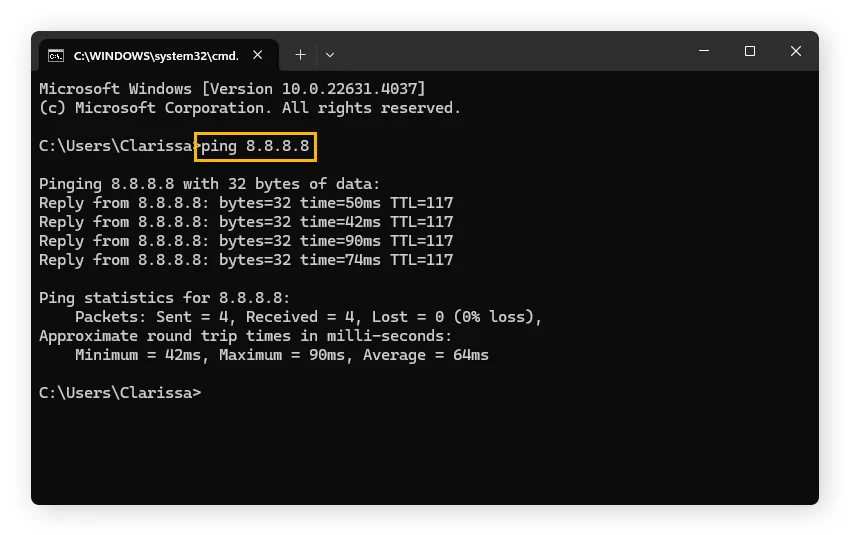
Your device can show Connected to Wi-Fi while websites refuse to load. This can be confusing because the Wi-Fi icon suggests that everything is working. The important detail is that being connected to a Wi-Fi network does not necessarily mean you can reach the internet. Your computer or phone may be successfully communicating with the … Read more

Wi-Fi Problems That Don’t Require a New Router: A Step-by-Step Troubleshooting Guide

A slow or unreliable Wi-Fi connection does not automatically mean your router needs to be replaced. Wi-Fi problems can come from the device, wireless signal, network settings, DNS, interference, outdated drivers, background activity, or the internet connection itself. In some cases, the router is working normally and replacing it will not solve the problem. The … Read more

A Windows App Does Nothing When You Click It: What to Check Before Reinstalling

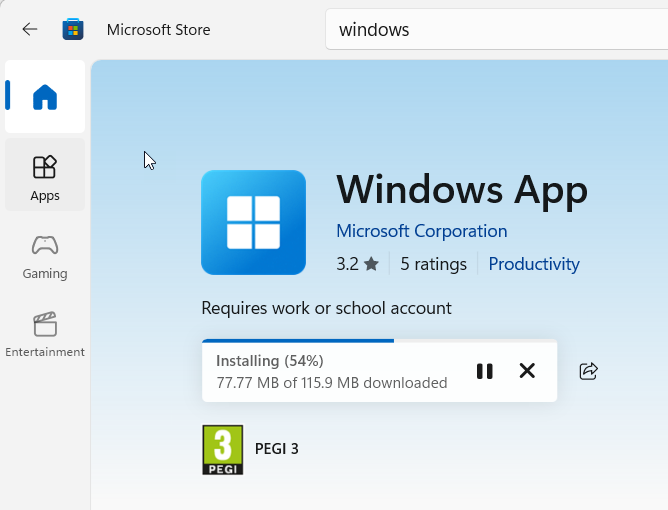
You click a Windows app, but nothing appears to happen. There may be no error message. The mouse pointer may briefly change, or absolutely nothing may happen at all. You click the app again, wait, and eventually consider uninstalling and reinstalling it. Reinstalling can help, but it should not be the first step. A Windows … Read more

Browser Tabs Keep Reloading, Freezing, or Crashing: How to Narrow Down the Cause

When browser tabs repeatedly reload, become unresponsive, or suddenly disappear, the cause is not always the website you are visiting. The problem can come from limited system memory, a browser extension, corrupted site data, graphics acceleration, an outdated browser, a problematic tab, or a wider Windows issue. The most useful approach is to identify what … Read more

Browser Storage Is Full: What You Can Safely Clear Without Losing Important Browsing Data

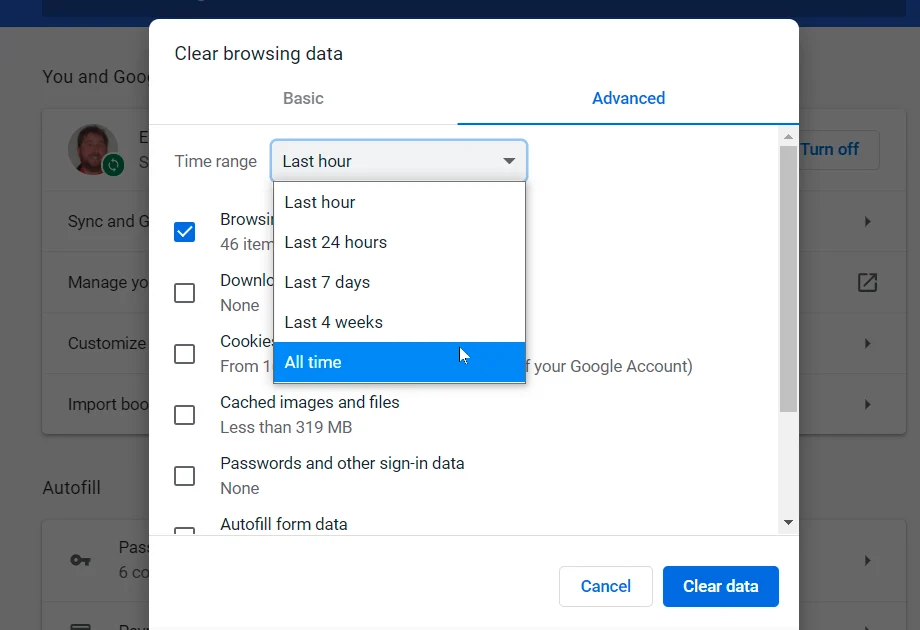
When a browser says storage is full, websites may load slowly, pages may behave strangely, or the browser may keep asking you to clear data. The problem can be confusing because browsers store several different types of information, and deleting the wrong category can sign you out of websites or remove locally stored data. The … Read more

A Software Update Keeps Failing: How to Check Storage, Services, Network Access, and Compatibility

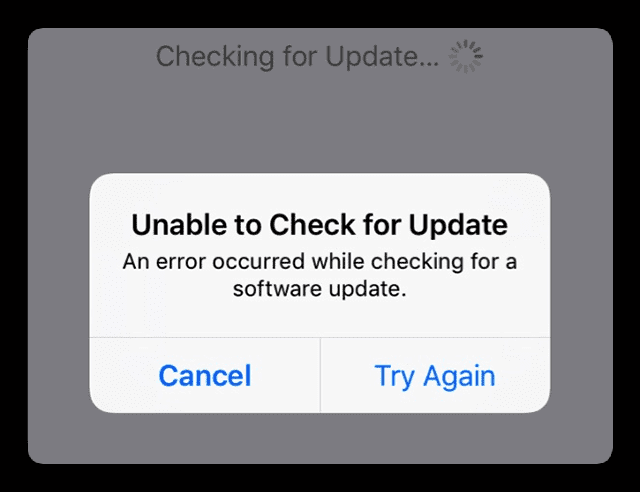
When a browser says storage is full, websites may load slowly, pages may behave strangely, or the browser may keep asking you to clear data. The problem can be confusing because browsers store several different types of information, and deleting the wrong category can sign you out of websites or remove locally stored data. The … Read more

A Windows Program Suddenly Stops Responding: What to Check Before Ending the Task

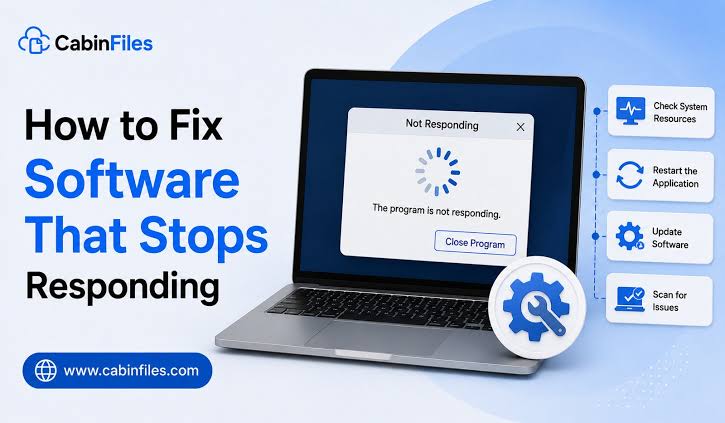
When a Windows program suddenly shows “Not Responding,” the first reaction is often to open Task Manager and click End task. Sometimes that is the right move. But if you do it too quickly, you may lose unsaved work or miss the reason the program became unresponsive in the first place. A frozen-looking program may … Read more